FilaForms
Airtable for Form Submissions: Two-Way Sync with Laravel
Airtable for Form Submissions: Two-Way Sync with Laravel
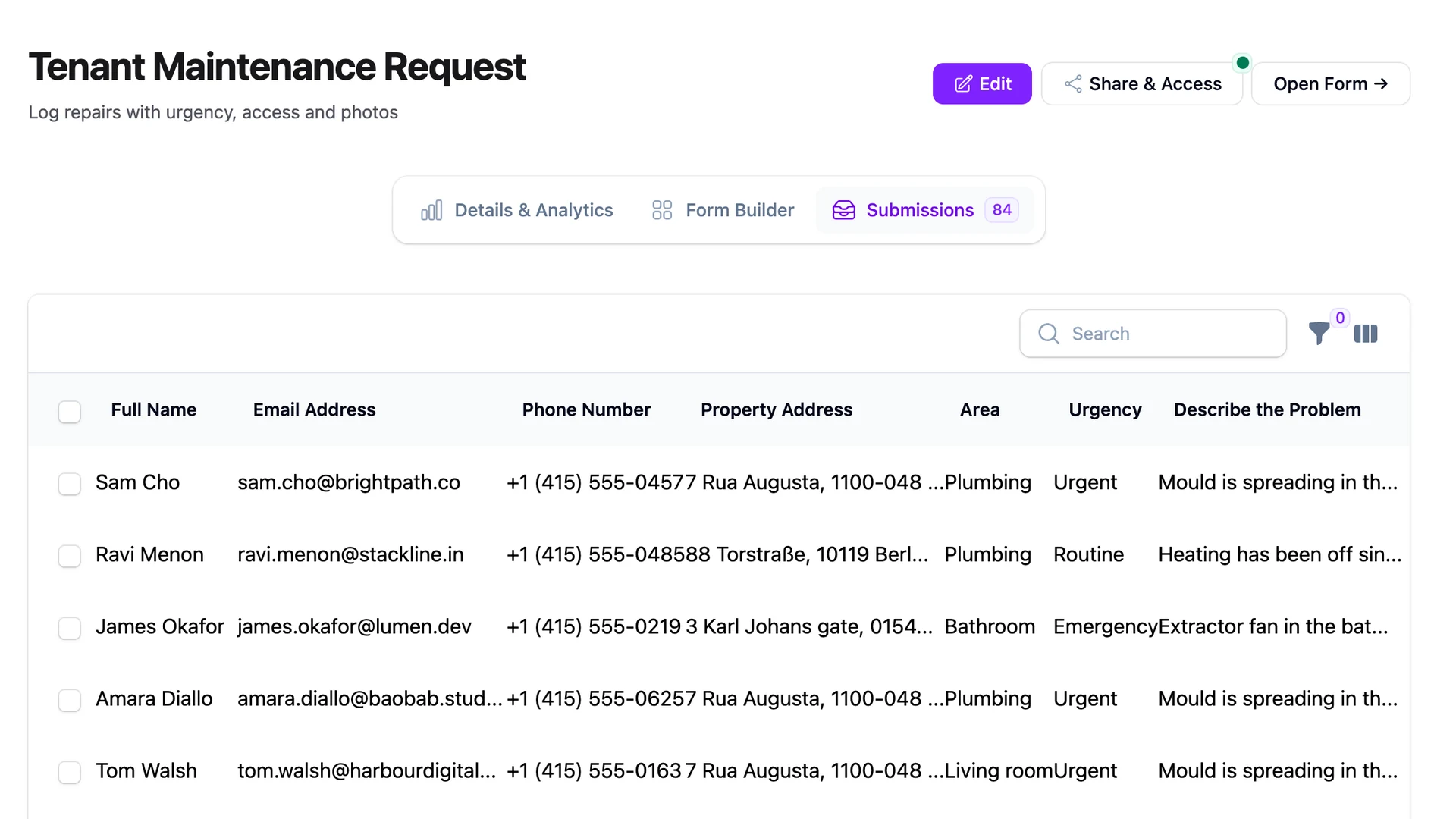
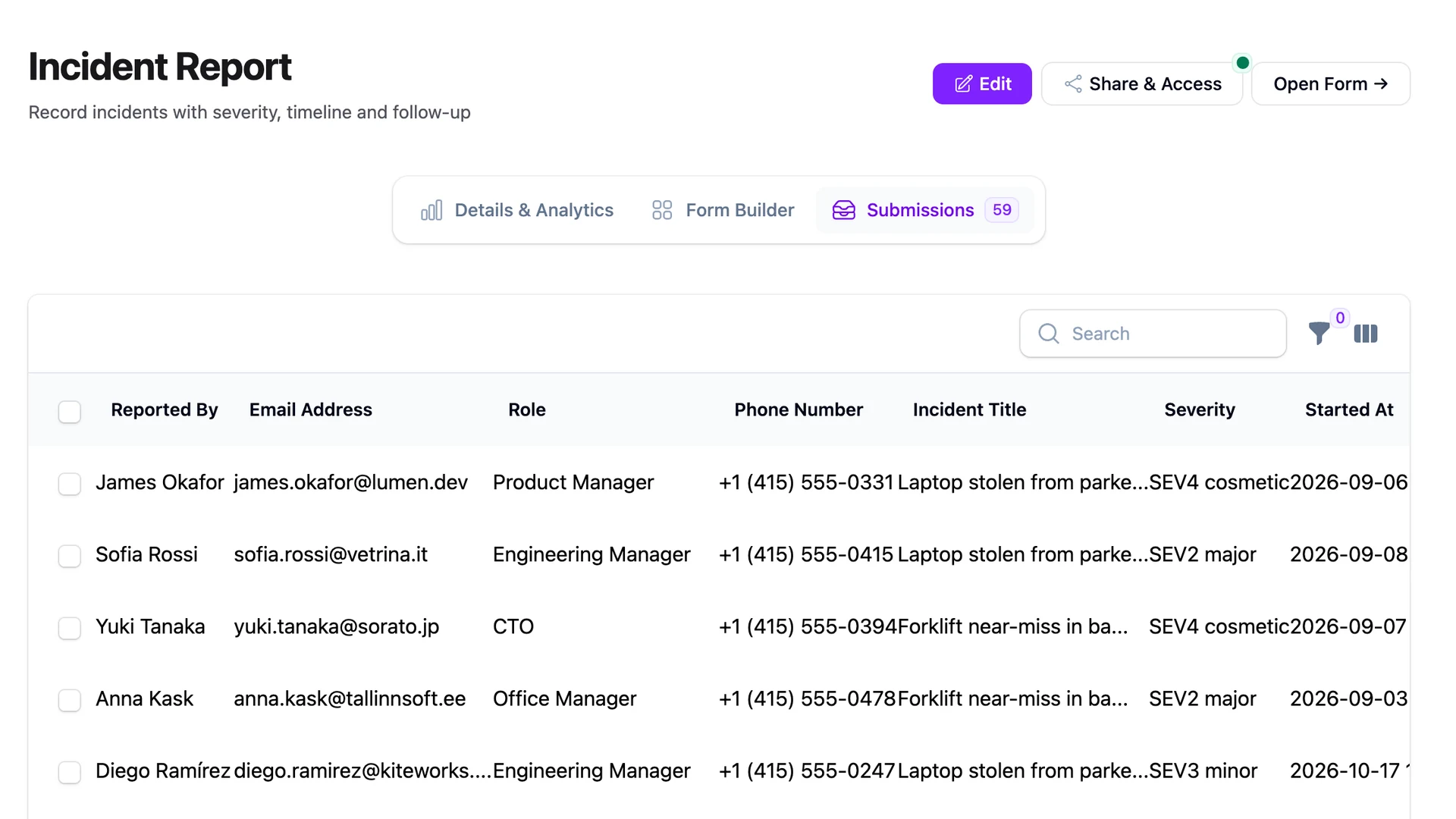
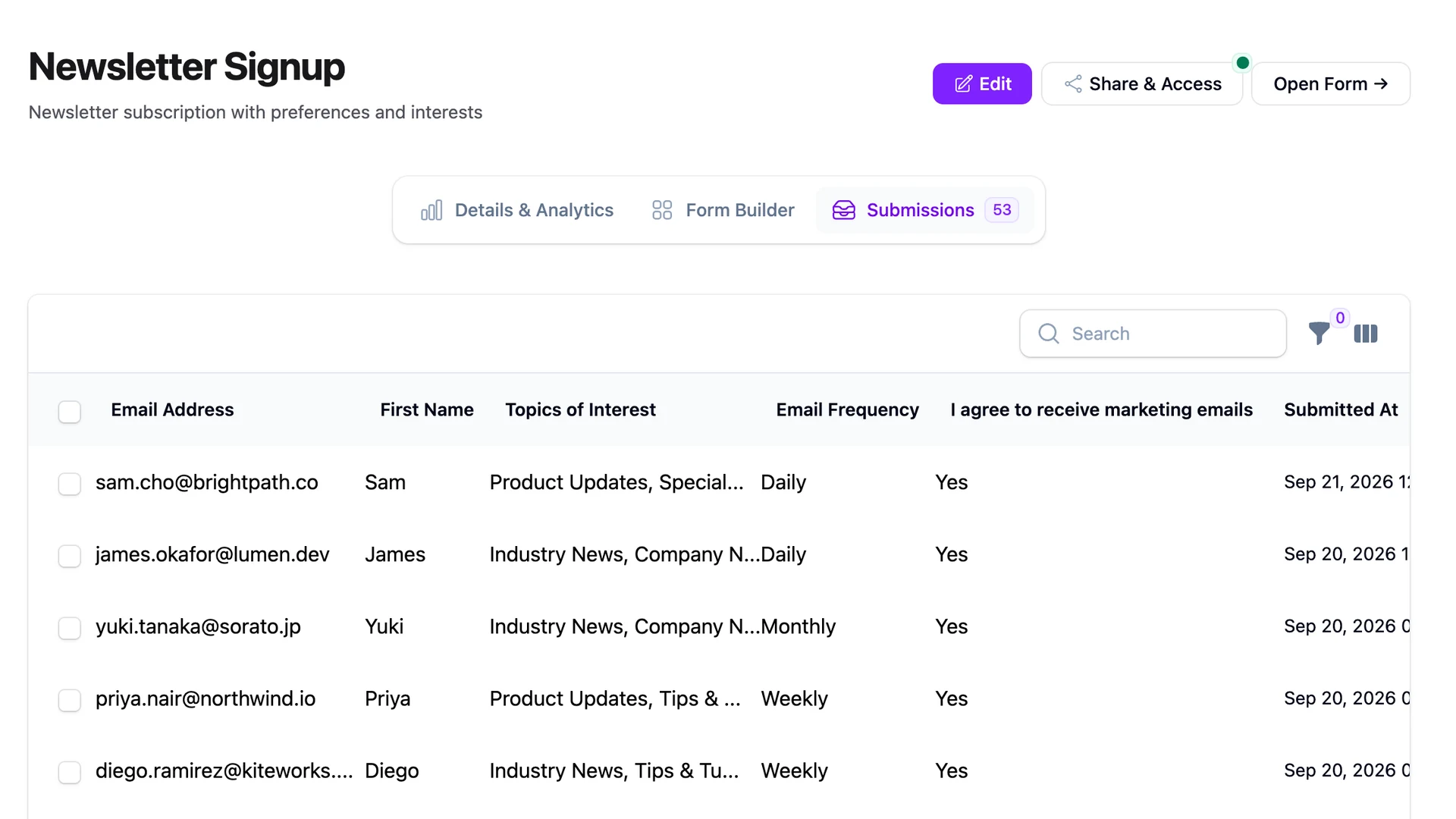
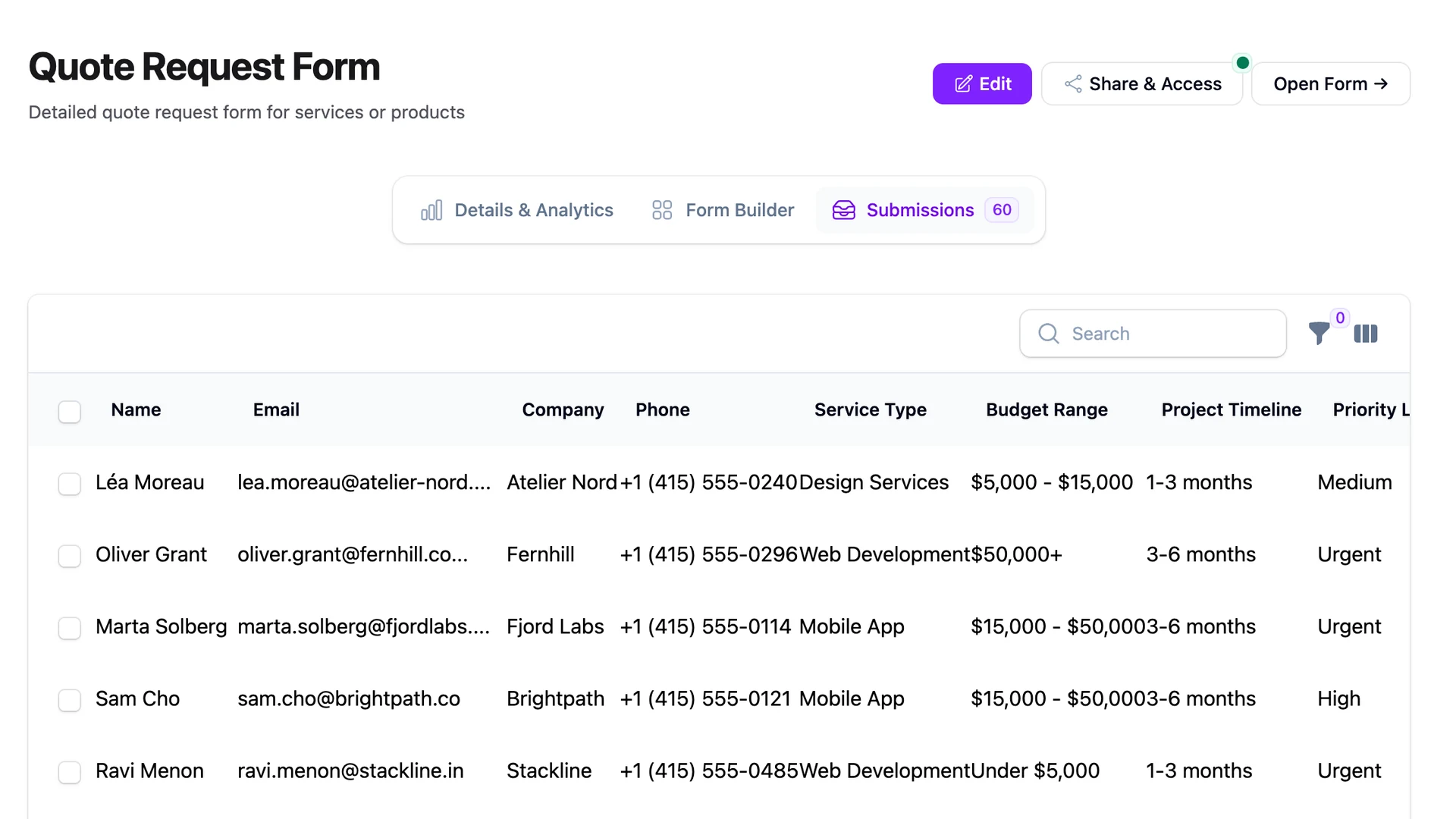
Submissions land in Airtable. Sales triages them — Contacted, Qualified, Closed — by clicking the Status cell on a row and picking an option. A week later somebody asks in the team meeting why the Laravel dashboard still shows half the pipeline as New. The answer is the one nobody wants: the app has no idea what Sales has been doing.
This is the half of the integration story almost every tutorial skips. Pushing a submission into Airtable is one HTTP call and a queue job. Catching Airtable when it writes back — when a non-developer changes a Status from New to Qualified — is the part that keeps the two systems honest, and it is the part that breaks team workflows when nobody builds it. This post is the full loop for an airtable laravel form integration: outbound from Laravel to a base, inbound from the base back to Laravel, the matching question that decides whether the loop survives a week, and the conflict rule for when both sides write to the same row. No Zapier. Around forty lines of code, end to end.
How to sync form submissions with Airtable from Laravel
Two-way sync between a Laravel app and an Airtable base is four steps: push every new submission into the base from a queued listener, expose a webhook on the Laravel side that Airtable Automations call when a Status field changes, match incoming rows on a stable submission ID rather than email, and pick a conflict rule before you ship. The whole loop is two HTTP endpoints — one in each direction — sharing one secret.
- Outbound: a
FormSubmittedlistener in Laravel POSTs each new submission tohttps://api.airtable.com/v0/{baseId}/{tableIdOrName}, writing asubmission_idhidden field. - Inbound: an Airtable Automation watches the Status field and calls a Laravel route on every change, sending the
submission_idplus the new status. - Matching: the Laravel route looks up the submission by
submission_id, not by email. - Conflict: last-write-wins on the status field. Source-of-truth-per-field only if you have a real reason.
Outbound: Laravel to Airtable
FilaForms fires a FormSubmitted event on every submission. The listener POSTs to Airtable's create-records endpoint with a Bearer Personal Access Token:
namespace App\Listeners;

use FilaForms\Core\Events\FormSubmitted;
use Illuminate\Contracts\Queue\ShouldQueue;
use Illuminate\Support\Facades\Http;

class SyncSubmissionToAirtable implements ShouldQueue
{
    public function handle(FormSubmitted $event): void
    {
        Http::withToken(config('services.airtable.token'))
            ->post(sprintf(
                'https://api.airtable.com/v0/%s/%s',
                config('services.airtable.base_id'),
                config('services.airtable.table'),
            ), [
                'fields' => [
                    'submission_id' => (string) $event->submission->id,
                    'Email' => $event->submission->data['email'] ?? null,
                    'Name'  => $event->submission->data['name']  ?? null,
                    'Status' => 'New',
                ],
            ])
            ->throw();
    }
}
The submission_id field is the spine of the whole system. Make it a hidden Airtable column, populated only by the listener, never edited by hand. Sales does not need to see it. Laravel needs it to exist on every row.
ShouldQueue is a real requirement, not style. Airtable's API rate-limits at five requests per second per base, and the form response should not block on a third-party round-trip. Put it on the queue, let the retry policy handle a transient 429, and the form stays fast. The listener is the outbound half — under the hood it sits on the same delivery primitive as the outbound webhook half that every other integration in this series uses.
Inbound: Airtable to Laravel
The return trip is where most projects stop. Airtable Automations is the no-extra-tools way. Pick "When a record is updated" as the trigger, scope it to the Status field, add a "Send webhook" action.
The webhook target is a Laravel route you build — POST /webhooks/airtable/status-changed. The body Airtable sends should include the submission_id and the new status, both available as field references in the Automation body editor. Add a shared-secret header — call it X-Airtable-Signature — and check it in middleware before the request reaches the controller. Airtable Automations let you set static request headers, so the secret lives in the Automation config and in your Laravel .env and nowhere else.
The controller is small. Verify the header, look up the submission by submission_id, update its status column, dispatch internal events (a SubmissionStatusChanged event lets the rest of the app react without coupling to Airtable). Return 200. Anything else and Airtable retries, which you want.
The matching question
How does Laravel match the incoming Airtable update to a submission row? This is the question that decides whether the two systems stay aligned past week one.
Match by submission_id. Always. Make it the integer or UUID primary key on the Laravel side, written into a hidden Airtable column on the outbound push, read back on the inbound webhook. It is stable, unique, and meaningless to humans, which is exactly what you want from a join key.
Do not match by email. The first time two people submit from the same address — a returning lead with a typo on round one, a shared hello@ inbox, a couple sharing an account — the matching breaks silently. The wrong row gets the status update. The dashboard lies. By the time someone notices, the audit trail is gone. Email is a content field on a submission, not its identity.
Airtable's own record ID is tempting but ties matching to Airtable's storage. Migrate the base, recreate the table, or reimport after a deletion and the IDs change and the loop snaps. Your submission_id belongs to you. Keep the join on your side of the fence.
Conflict resolution
What happens when both sides write to the same row in the same minute? Sales changes Status to Qualified in Airtable. A second later, a Laravel-side admin action sets it to Disqualified. Which one wins?
Pick last-write-wins and ship it. For status fields, the human change is almost always the one that should stick, and the inbound webhook arriving a second later is the human change. Compare the inbound timestamp to the submission's updated_at and let the newer write through. It is not theoretically clean — it can lose an in-flight Laravel-side edit by milliseconds — but at form-submission scale, the rate of true conflicts is low enough that the simple rule is the right rule.
The cleaner alternative is source-of-truth-per-field: Airtable owns status, Laravel owns email and phone, and an inbound webhook that tries to change a Laravel-owned field is ignored. Build this when you have a real reason — compliance or audit — not before. It triples the code for an outcome most teams cannot tell apart from last-write-wins.
Edge cases
Three things will catch you in production.
Airtable's rate limit is five requests per second per base, and a 429 response forces a thirty-second cooldown before the next call from that base will succeed. A burst of submissions — a webinar landing page, a press hit — will trip it. The queue handles this with sensible backoff. Without the queue, you are writing retry logic by hand and the form is blocking on it.
Personal Access Tokens are passwords. Scope them to the single base they need to write to, store them in .env, never log them, and rotate them when somebody leaves the team. Treat the inbound shared secret the same way — separate value, separate rotation.
Partial failures are quieter. Airtable will reject the whole record if any field name does not match the table schema. Add a new field in code without adding the column in Airtable and every queued job fails until you do. Worth a runbook line.
What we got wrong
The first cut of our inbound webhook matched the incoming Airtable row to a Laravel submission by email. It worked on day one. The demo looked clean.
By day seven, two people had submitted with the same email — one a returning lead, one a typo on a different person's address — and a status update meant for the returning lead overwrote the typo's record. The dashboard started showing the wrong owner on a deal. Sales lost an afternoon untangling it. The fix took longer than the original sync, because by then both systems held real records with no shared identifier.
We rebuilt the outbound push to write a stable submission_id to a hidden Airtable column, and rewrote the inbound webhook to match on that column only. The loop has not desynced since. The lesson generalises past Airtable: an integration's stability is the quality of its join key. Pick the boring stable one before the demo, not after the incident.
Try it
Airtable suits ops and sales teams that already live in a spreadsheet but want the database underneath. If that's not your team, the Notion-as-CRM workflow is the lighter alternative — same outbound listener pattern, different destination. For the ATS-shaped variant of this loop — applications in, hiring-stage changes out — see the Job Applications recipe (forthcoming in this series).
If you haven't set up FilaForms yet, you can set up FilaForms here. The two-way pattern in this post sits on FilaForms' outgoing webhooks for the outbound half and a plain Laravel route for the inbound half. No middleware. No per-task billing. One stable join key doing the work.