FilaForms
FilaForms vs Google Forms for Laravel Teams
FilaForms vs Google Forms for Laravel Teams
A Google Form is a great answer to a small question. Then someone in your team asks if the form can live at requests.yourcompany.com. Or if only logged-in employees can submit it. Or if it can stop looking like a Google product.
That's usually the week someone Googles "google forms alternative laravel" and lands on a page like this one.
I'm not going to pretend Google Forms is bad. It isn't. It's a free, fast form builder that ships with a spreadsheet on the other end. For a lot of small jobs that's the entire fight. Where it stops being the right tool is the moment a Laravel team needs the form to act like part of the product — same login, same domain, same brand, same database.
This post is written for that decision. Laravel team. Google Form somewhere in the stack. A growing list of things the form can't do. The question is whether replacing it earns its keep, or whether you stay where you are. I'll be honest about both sides.
Is there a self-hosted alternative to Google Forms for Laravel?
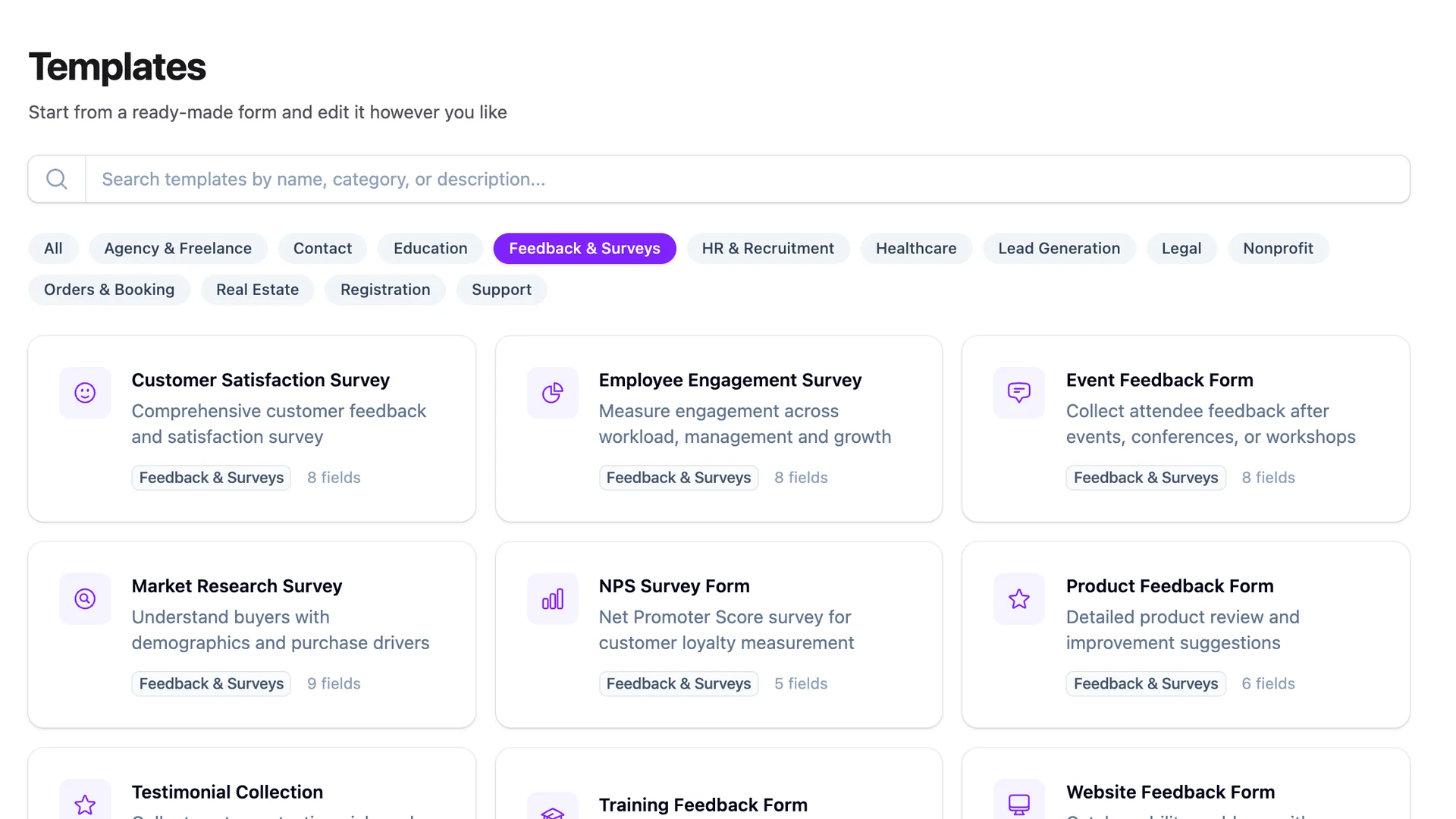
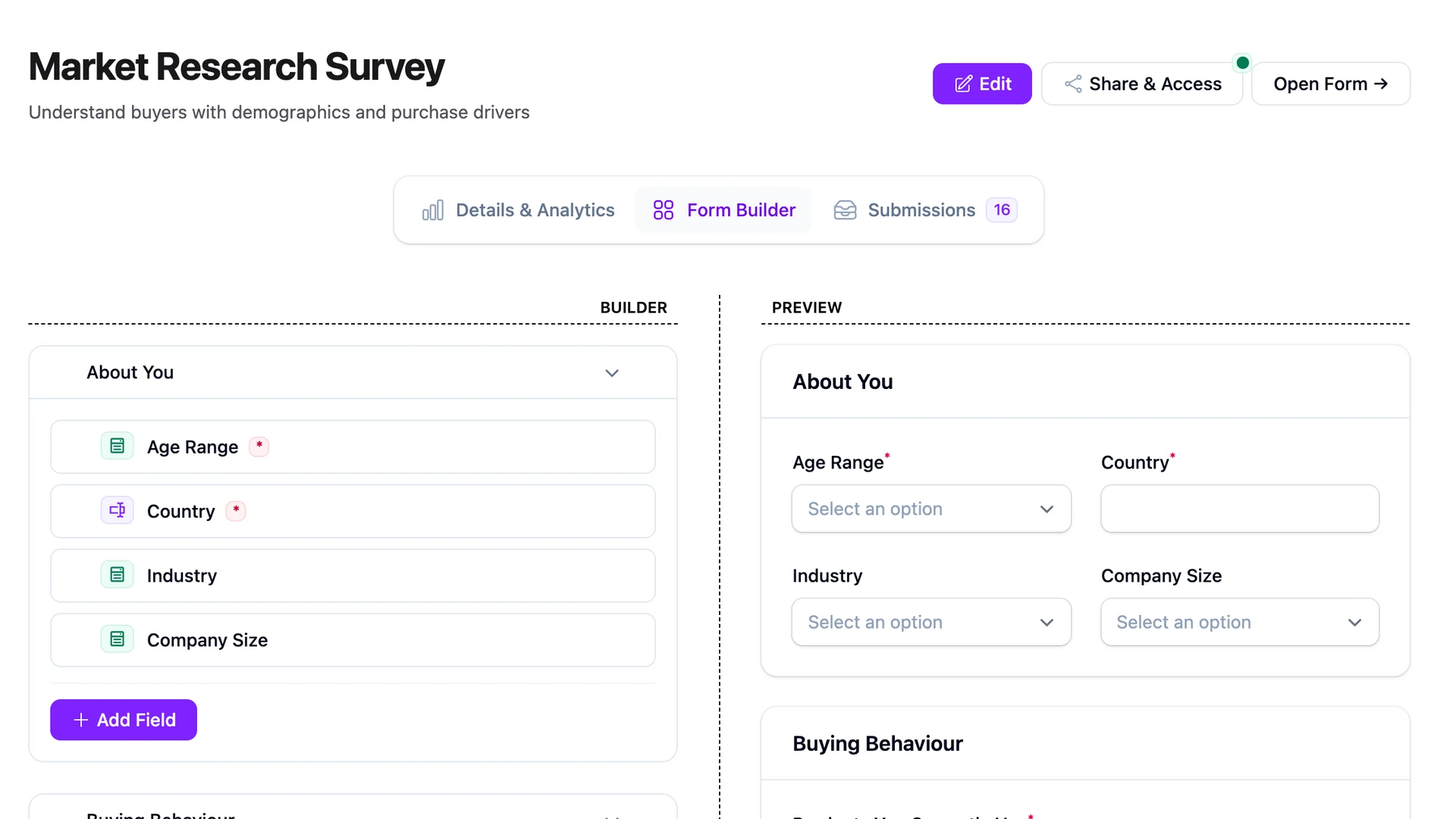
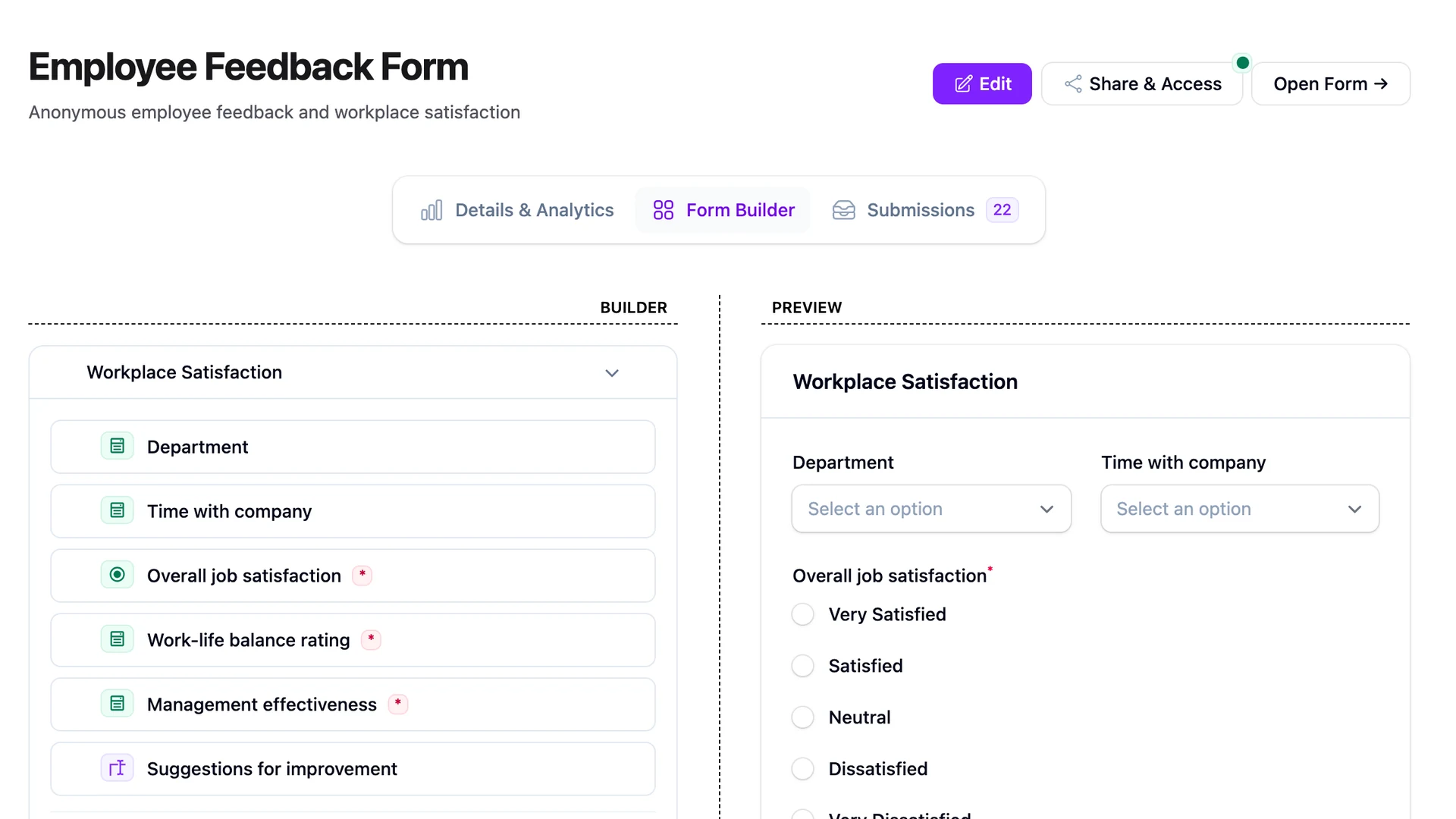
Yes. FilaForms is a self-hosted form builder for Laravel that runs inside your existing application. Submissions live in your database, forms can sit behind your auth, and the URL is whatever you choose. It's a Filament plugin, so the admin uses the same panel you already ship.
When Google Forms is the right call
If a non-technical colleague needs to spin up a survey by lunchtime, Google Forms is the right answer. FilaForms is not that tool.
I mean that literally. There are jobs where the correct workflow is: open forms.google.com, type the questions, paste the link in Slack, watch responses arrive in a Sheet. No Laravel involved. No deploy. No PR. Anyone in the company can do it. The data ends up somewhere a non-engineer can sort and filter without asking you for an export.
Use Google Forms when:
- You need a one-off survey, internal poll, or RSVP.
- The audience is your own team and signs in with Google.
- A spreadsheet is the destination, not the start of a workflow.
- Nobody cares what the URL looks like.
- The data isn't sensitive enough to bring up where it's stored.
There's one caveat worth naming. The form belongs to a Google account, the responses sit in Google Drive, and the rules around them are Google's. For internal stuff that's usually fine. For anything user-facing or regulated, it becomes a conversation.
When FilaForms wins
FilaForms wins when the form needs to act like part of the product, not like a hosted page that opens in a new tab.
That breaks down into a handful of concrete jobs Google Forms can't do without leaving its own world:
- Put the form behind your Laravel auth. Only signed-in users on your app see it. Their user ID lands on the submission without them typing an email.
- Run the form on a subdomain or path you own —
forms.yourcompany.com/it-requestinstead of aforms.glelink. - Brand it. Your fonts, your colour, your header, no Google footer.
- Add conditional logic that's yours: show different next questions based on the user's department, plan, or anything else from the database.
- Keep submission data in the same database as the rest of the app, joinable to users, accounts, projects.
- Hand the data off to anything: a Slack channel, a CRM, a queue job. FilaForms ships outgoing webhooks, so submissions can trigger downstream workflows the moment they land.
None of these are impossible on Google Forms. They just live outside it — duct-taped with Apps Script, Zapier, and a Google Workspace bill. The line is where keeping the form inside your own stack costs less than wiring three external tools to fake it.
The comparison
A table is the clearest way to put the two side by side. Each row is one thing teams ask about when they're deciding to move.
| Capability | Google Forms | FilaForms |
|---|---|---|
| Cost | Free with a Google account | One-time licence, then self-hosted on your infra |
| Hosting | Google's servers | Your Laravel app |
| Custom domain | No — forms.gle or docs.google.com/forms/... |
Yes — any route in your app |
| Branding | Limited theme picker, Google footer | Full Blade templates, your CSS |
| Auth integration | Google sign-in / Workspace only | Any Laravel guard — session, Sanctum, your SSO |
| Conditional logic | Section-level branching | Field-level conditional logic |
| File uploads | Yes (requires sign-in, Workspace for external users) | Yes, to any disk Laravel supports |
| Data location | Google Drive (Google's data centres) | Your database |
| Export | CSV, link to Google Sheet | CSV, plus an Eloquent model and a FormSubmitted event |
| API access | Limited; needs Apps Script for most automation | Native Laravel — events, listeners, webhooks |
| Mobile UX | Strong; Google has polished this for years | Good; depends on your front-end choices |
A few rows are honestly close. Mobile UX is one — Google has spent a decade polishing the look on a phone, and a freshly themed FilaForms form depends on how much care you put into the front-end. Conditional logic is another: Google Forms supports section branching, which is enough for plenty of surveys. The line is whether the logic depends on data that lives in your app.
The migration question
The realistic path from Google Forms to FilaForms is rebuild, then export-import for the back-data.
Google Forms lets you download responses as a CSV from the Responses tab, or open them in Google Sheets and export from there. That CSV is the bridge. On the FilaForms side, you rebuild the form fields in the visual builder — for most internal forms that's ten minutes — and then you have a choice for the historical responses: import them through a database seeder, write a small Artisan command that maps CSV rows to submissions, or leave the old data in Google Sheets as an archive.
FilaForms doesn't ship a one-click Google Forms importer. The path today is CSV out, CSV in — or rebuild the form in the builder, which usually takes less time than reading this post. I'd rather be honest than ship a flaky importer that silently drops half the historical responses.
Google has a help article on exporting responses that covers the export step. The rest is a couple of hours.
What about Microsoft Forms or Typeform?
Microsoft Forms is the same shape of tool as Google Forms with a different logo. Same trade-offs: free if you're inside the Microsoft 365 tenant, locked to that tenant, no custom domain, no real branding. If you're a Microsoft shop the choice between Forms and FilaForms looks identical to the Google version of this post, with the names swapped.
Typeform is a different conversation. It's a paid form builder aimed at marketing teams, with a polished one-question-at-a-time UI and a price tag that scales with submissions. If your alternative is Typeform, not Google Forms, the comparison I'd point you to is the Typeform comparison — the pricing dynamics and the self-hosting case are different enough to deserve their own post.
FAQ
Is FilaForms free?
FilaForms is a paid product with a one-time licence. There's no monthly per-submission fee. Once you've installed it in your Laravel app, the form running cost is whatever you already pay to host the app.
Can I migrate from Google Forms to FilaForms?
Yes, with a bit of manual work. Export your Google Forms responses as a CSV, rebuild the form fields in the FilaForms visual builder, and import the historical responses via a database seeder or an Artisan command. There's no one-click importer today.
Can Google Forms be self-hosted?
No. Google Forms runs on Google's infrastructure, full stop. The form lives on a Google URL and the responses sit in Google Drive. If self-hosting is a hard requirement — for data sovereignty, compliance, or just brand consistency — Google Forms isn't an option and the comparison stops there.
Which is better for internal company forms?
It depends on the form. For a one-off poll or a "lunch order for Friday" survey, Google Forms is faster. For anything that should be tied to your employee directory, sit on your intranet domain, or feed data back into your app, FilaForms earns its keep.
Does Google Forms support custom domains?
No. Google Forms URLs are either forms.gle short links or docs.google.com/forms/... paths. Workspace customers don't get a vanity domain on the form itself. This is one of the more common reasons teams move off.
The takeaway
Google Forms is the right answer right up until your form needs to behave like part of the product. After that, every extra requirement — auth, domain, branding, data location, downstream workflow — costs more in workarounds than the move itself.
If the form you're staring at fails three of those tests, it's probably already cost you more in duct tape than a self-hosted form would have. You can see what that looks like at the FilaForms platform and decide for yourself.
And if you're still on Google Forms after reading this — that's a fine answer too. The wrong move is paying Typeform $80 a month to do what a Google Form does for free.