FilaForms
File Uploads in Filament Forms: Storage, Validation, and Security
File Uploads in Filament Forms: Storage, Validation, and Security
File uploads are where most form builders cut corners. They'll let you add a file field and call it done, leaving you to figure out storage and validation on your own. If you've ever had a user upload a .php file disguised as an image, you know why that's a problem.
I want to walk through how FilaForms handles file uploads, because I think the defaults here are worth understanding even if you never change them.
Adding a file upload field
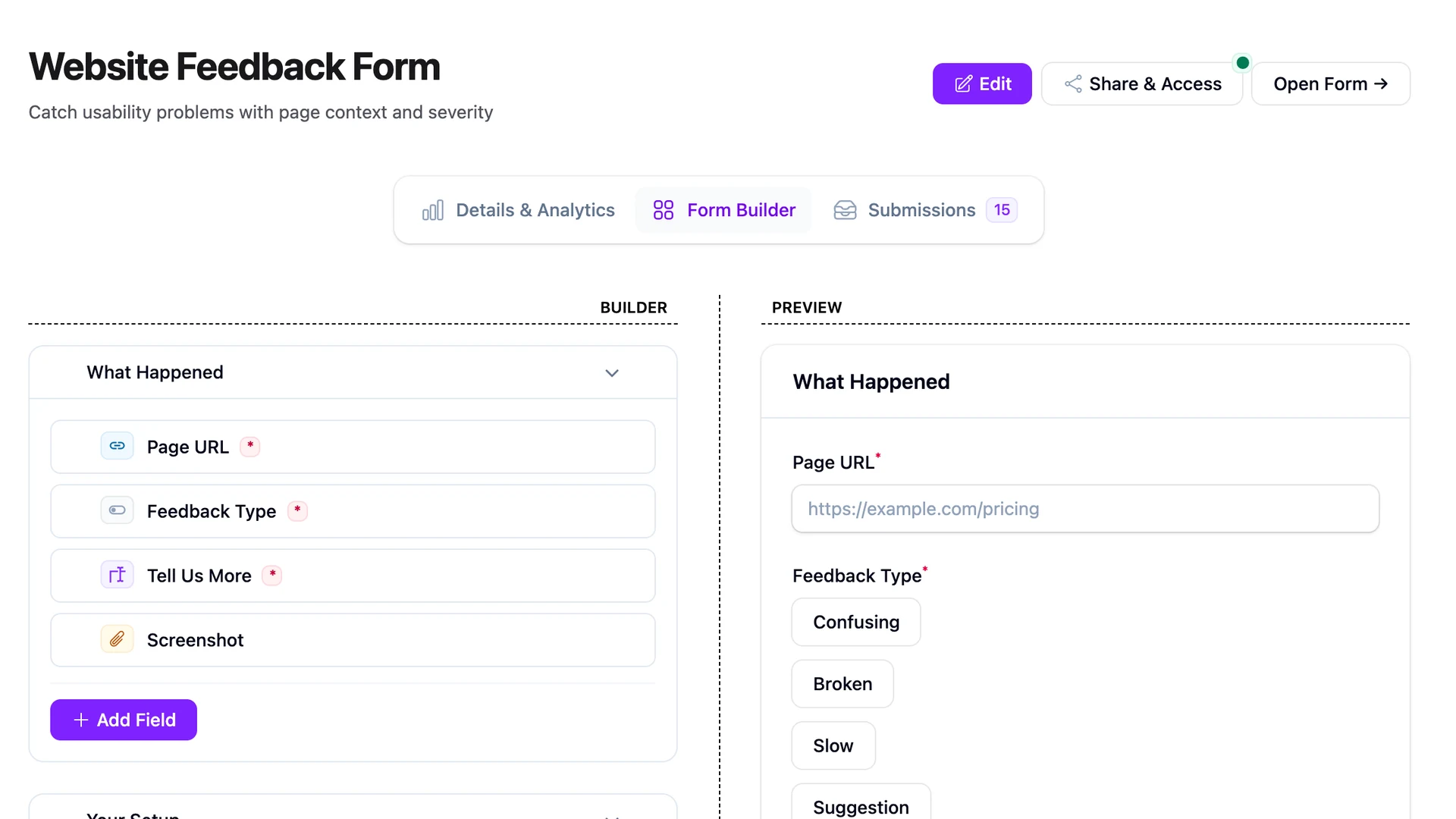
In the FilaForms builder, you add a File Upload field the same way you'd add any other field type. Drop it onto your form, give it a field code, and you're done. If you've already built a contact form or set up public-facing forms, this will feel familiar.
Out of the box, each file upload field accepts a single file, caps uploads at 10 MB, and enables preview, download, and open. Original filenames are not preserved. Instead, files are renamed using ULID-based filenames for uniqueness. More on why that matters in the security section.
Storage configuration
FilaForms uses a single config file to control where uploaded files land. In config/filaforms.php:
'storage' => [
    'disk' => env('FILA_FORMS_STORAGE_DISK', 'local'),
    'path' => 'form-submissions',
],
The default disk is local, which maps to storage/app/private in Laravel. Files stored here are not web-accessible. That's intentional. For most use cases (job applications, document submissions, anything with personal data), private storage is the right default.
If you need uploaded files to be publicly accessible (say, a photo gallery or user avatars), set the environment variable:
FILA_FORMS_STORAGE_DISK=public
Then run the standard Laravel command to create the symlink:
php artisan storage:link
That's it. No config changes beyond the env variable.
How files are organized on disk
FilaForms doesn't dump everything into a flat directory. Uploaded files follow this structure:
form-submissions/{form-id}/{field-code}/{ulid}.{ext}
Each form gets its own directory. Within that, each file upload field gets its own subdirectory. So if you have a "Job Application" form with both a resume field and a cover letter field, those files live in separate directories.
This isolation matters for two reasons. First, cleanup is straightforward. Delete a form, and you know exactly which directory to remove. Second, access control becomes granular. You can set permissions per form or per field without worrying about collisions.
Validation rules
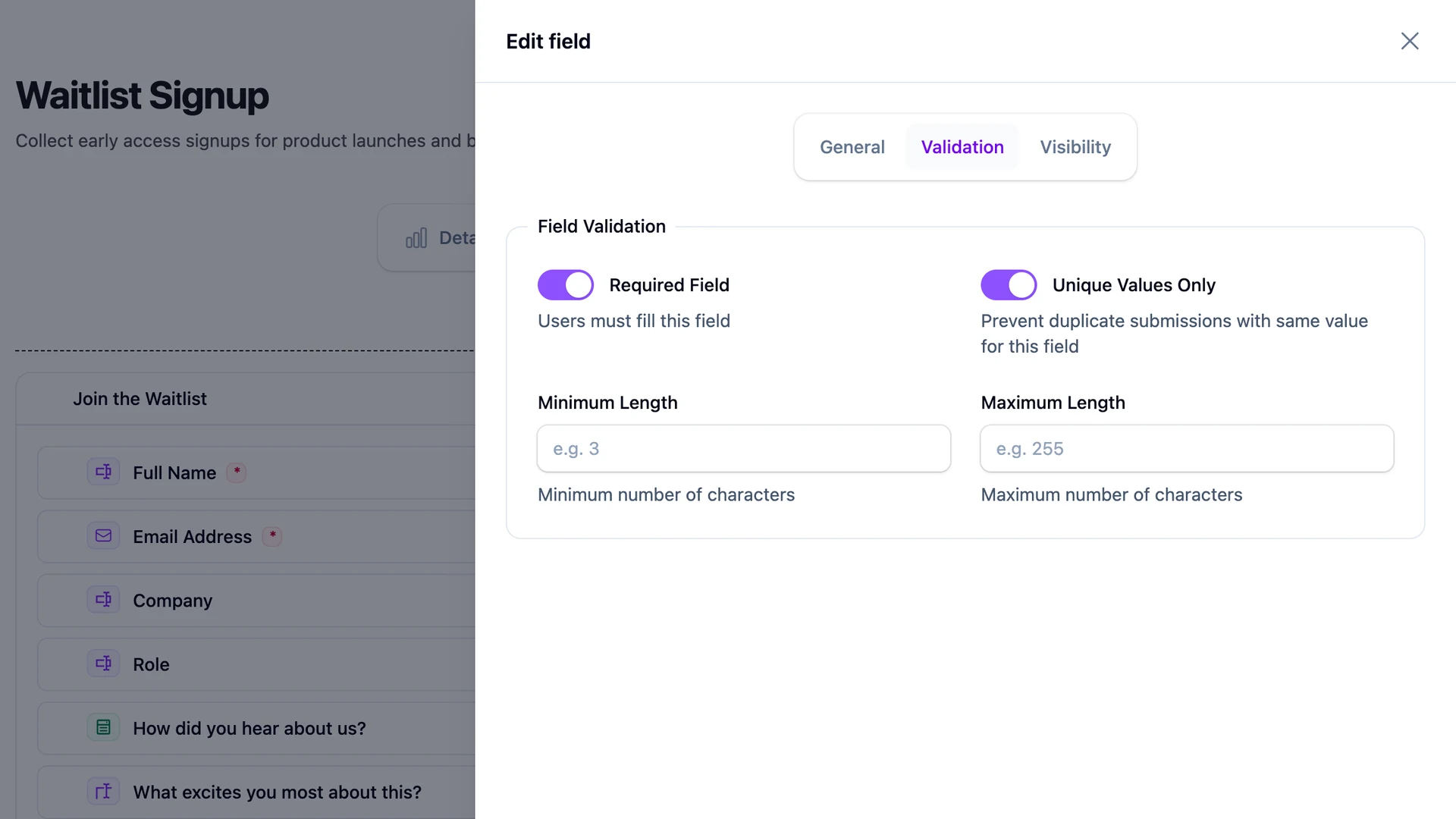
FilaForms gives you four validation options for file upload fields:
file is always applied automatically. It checks that what was uploaded is actually a valid file and not a malformed request.
mimes lets you restrict which file types are accepted. Set it to something like pdf,doc,docx for a document upload, or jpg,png,webp for images. This is server-side MIME validation, not just extension checking.
max sets the maximum file size in kilobytes. The global default is 10 MB (10240 KB), but you can lower this per field. A signature field probably doesn't need 10 MB. A portfolio upload might need more (up to whatever your PHP and server config allow).
required makes the file field mandatory. Without this, the field is optional by default.
Here's what a typical resume upload might look like in terms of validation:
- mimes:
pdf,doc,docx - max:
5120(5 MB) - required: yes
For a photo upload:
- mimes:
jpg,png,webp - max:
10240(10 MB) - required: no
Signature fields
FilaForms also has a Signature field, which is a canvas pad that captures handwritten signatures directly in the browser. It's worth mentioning here because it uses the same storage pipeline as file uploads.
The respondent signs on the canvas, and the signature is captured as a base64 data URI on the client side. On submission, FilaForms validates it, decodes the base64 data, and stores the result as an image file in the same directory structure as regular uploads.
Supported output formats are PNG, JPEG, and WebP. The max capture size is 512 KB. Signature fields are not searchable or sortable in the submissions table, which makes sense since they're images.
If you're building contracts or consent forms, this saves you from integrating a third-party signature service. Everything stays on your server.
Accessing uploaded files in code
When you need to work with uploaded files programmatically, maybe to send them in a notification or include them in a CSV export, you have two options:
Using Laravel's Storage facade directly:
use Illuminate\Support\Facades\Storage;

$url = Storage::disk(config('filaforms.storage.disk'))->url($path);
Or using FilaForms' built-in StorageConfig helper:
$url = app(\FilaForms\Core\Support\StorageConfig::class)->url($path);
The StorageConfig approach is slightly better if you want to stay decoupled from the config key. If someone changes the storage config structure in a future version, the helper will still work.
Security considerations
File uploads are one of the more dangerous things a web app can accept. FilaForms ships with defaults that handle the common attack vectors, and I think it's worth calling them out.
The local disk stores files in storage/app/private, which your web server doesn't serve. An attacker who guesses a file path still can't access it via URL. You have to explicitly opt into public storage.
Original filenames are stripped entirely. Every uploaded file gets a ULID-based name like 01HX7Z3KQGXYZ.pdf. This prevents path traversal attacks (no ../../etc/passwd in filenames) and makes file enumeration impractical. You can't guess the next filename because ULIDs include a random component.
The mimes rule checks actual file content on the server, not just the extension. Renaming malware.php to malware.pdf won't bypass it.
And as I covered earlier, each form and field combination has its own directory. A vulnerability in one form's file handling doesn't expose files from another form.
None of this replaces good server configuration. Make sure your web server doesn't execute files in the storage directory, and keep your PHP upload limits reasonable. But these defaults mean you're not starting from zero.
Common patterns
A few patterns I see come up frequently.
For resume or CV uploads, set mimes to pdf,doc,docx, max to 5 MB, and mark it required. Keep storage private (the default). Access these files through the admin panel or a custom controller that checks permissions.
For photo galleries or portfolios, set mimes to jpg,png,webp and increase max if needed. Use the public disk so images can be displayed on the frontend. Don't forget php artisan storage:link.
Document attachments like invoices or contracts are similar to resumes but often paired with a signature field. Keep both private and access them through authenticated routes only.
For support tickets or insurance claims, you'll probably want a mix of images and PDFs. Set mimes to jpg,png,pdf, keep storage private, and pair with conditional logic to show the upload field only when relevant.
That covers the full picture: storage, validation, directory layout, signatures, and the security defaults you get without writing any extra code. If you're running Filament and need file uploads on your forms, FilaForms handles the plumbing so you don't have to.