FilaForms
Laravel Form Analytics: Completion, Step Drop-Off, and Privacy
Laravel Form Analytics: Completion, Step Drop-Off, and Privacy
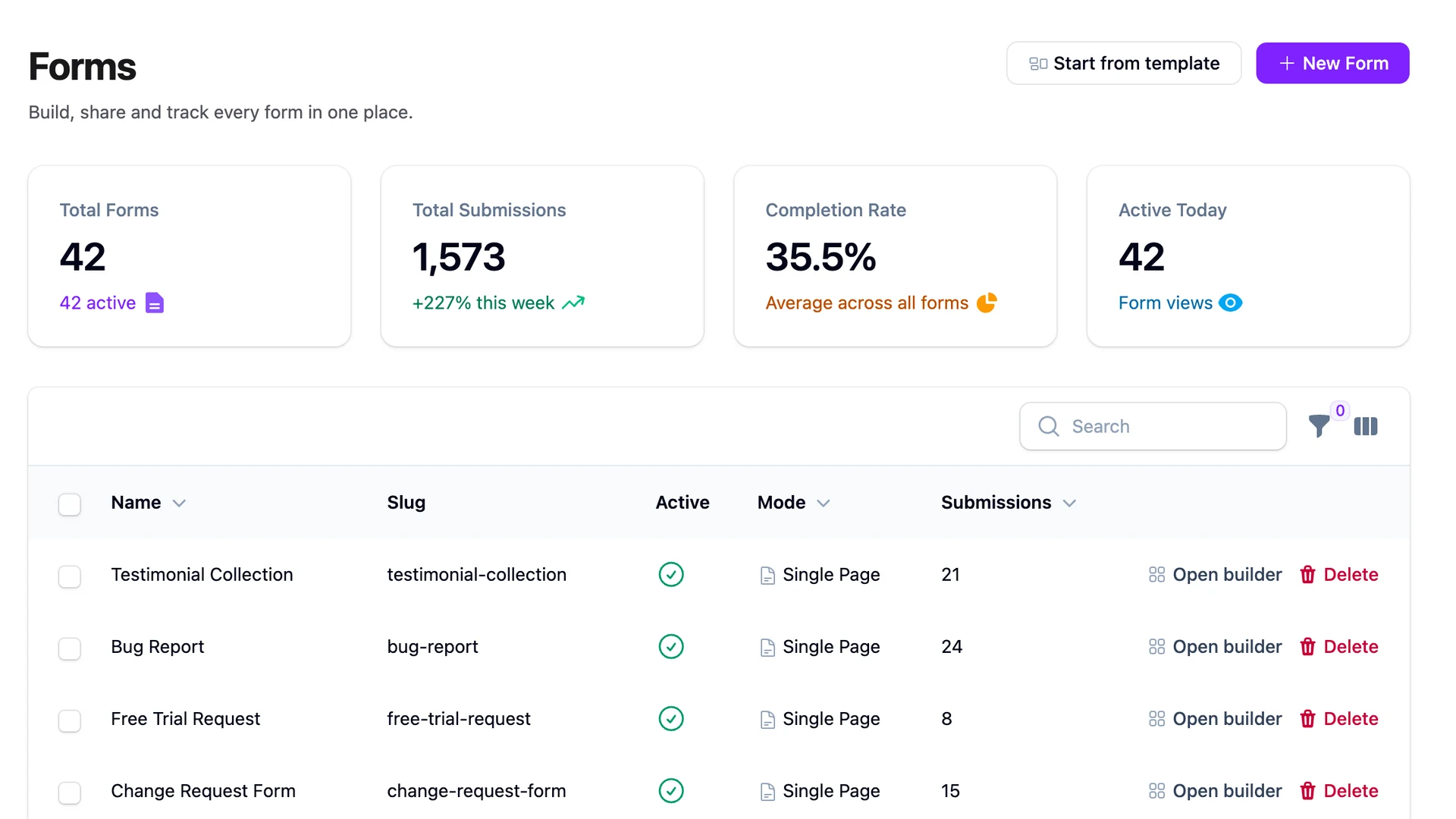
Useful form analytics answers three questions: did visitors see the form, where did engaged visitors stop, and did the server accept the submission? You can answer those inside Laravel without recording answers or sending visitor behavior to a third-party analytics platform.
The difficult part is not drawing a funnel. It is defining events precisely enough that refreshes, multiple tabs, failed validation, background tabs, and network loss do not turn the dashboard into fiction.
Start with a versioned event contract
Use stable event names and stable identifiers:
form.viewed
form.started
form.step_viewed
form.step_completed
form.validation_failed
form.submitted
Store form_id, form_version_id, a stable step or field code where relevant, an event-schema version, server receive time, and a scoped session token. Allowlist attributes. Do not capture answers, free text, filenames, email addresses, or raw validation input in analytics.
Dynamic values belong in attributes, not names. form.step_completed with step_code=employment is queryable; employment_step_completed fragments the contract.
Define every denominator
These ratios answer different questions:
- View-to-submit conversion: accepted submissions divided by unique views.
- Start completion: accepted submissions divided by unique starts.
- Step continuation: visitors reaching the next step divided by visitors reaching the current step.
- Validation failure rate: sessions with a categorized validation failure divided by sessions attempting that field or step.
Do not call all of them “completion rate.” Do not publish a universal good/bad threshold. Traffic source, device mix, form purpose, length, and audience intent can move a baseline dramatically. Compare the same form version over time and evaluate controlled changes.
Make the server authoritative
A click on Submit is not a completed submission. Record form.submitted only after server validation succeeds and the submission transaction commits.
Client events are useful for view, start, step, and timing context, but they are best effort. Browsers can be offline, block requests, restore pages from back/forward cache, or close before sending the final beacon.
For a small final timing event, navigator.sendBeacon() is appropriate during visibilitychange. The W3C Beacon specification is explicit that a successful call means the browser queued the data, not that your server received it. Analytics must never block the actual form submission.
Use race-safe deduplication
An application-level firstOrCreate() is not sufficient by itself: two concurrent requests can both observe that no event exists. Put the intended event cardinality in the database.
For example, if a view should occur once per form version and session window, create a unique index covering that tuple. Then use an atomic insert-or-ignore or catch the unique-key conflict. A start event may have a different uniqueness contract from a validation-failure event, so avoid one generic constraint that erases useful data.
The session token should be scoped and short-lived. A keyed HMAC over a rotating identifier can reduce raw identifier exposure, but it is usually pseudonymous, not automatically anonymous. Hashes can still allow singling out and linking. Include analytics in the privacy notice, retain it for a documented period, and assess applicable cookie or storage rules.
Measure step drop-off without collecting answers
A multi-step form needs two separate events:
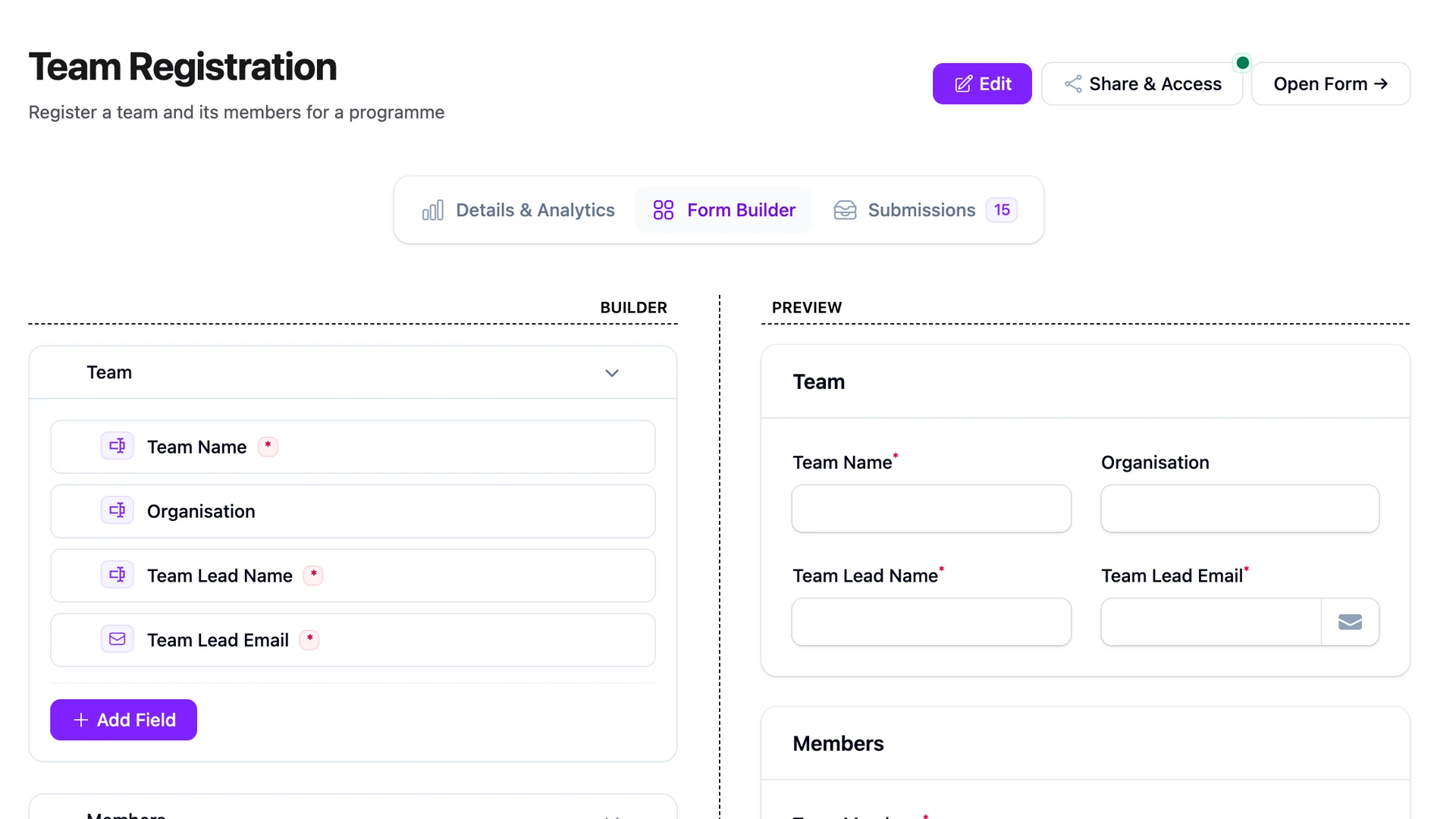
form.step_viewed: the step became available to the visitor;form.step_completed: its validation passed and navigation advanced.
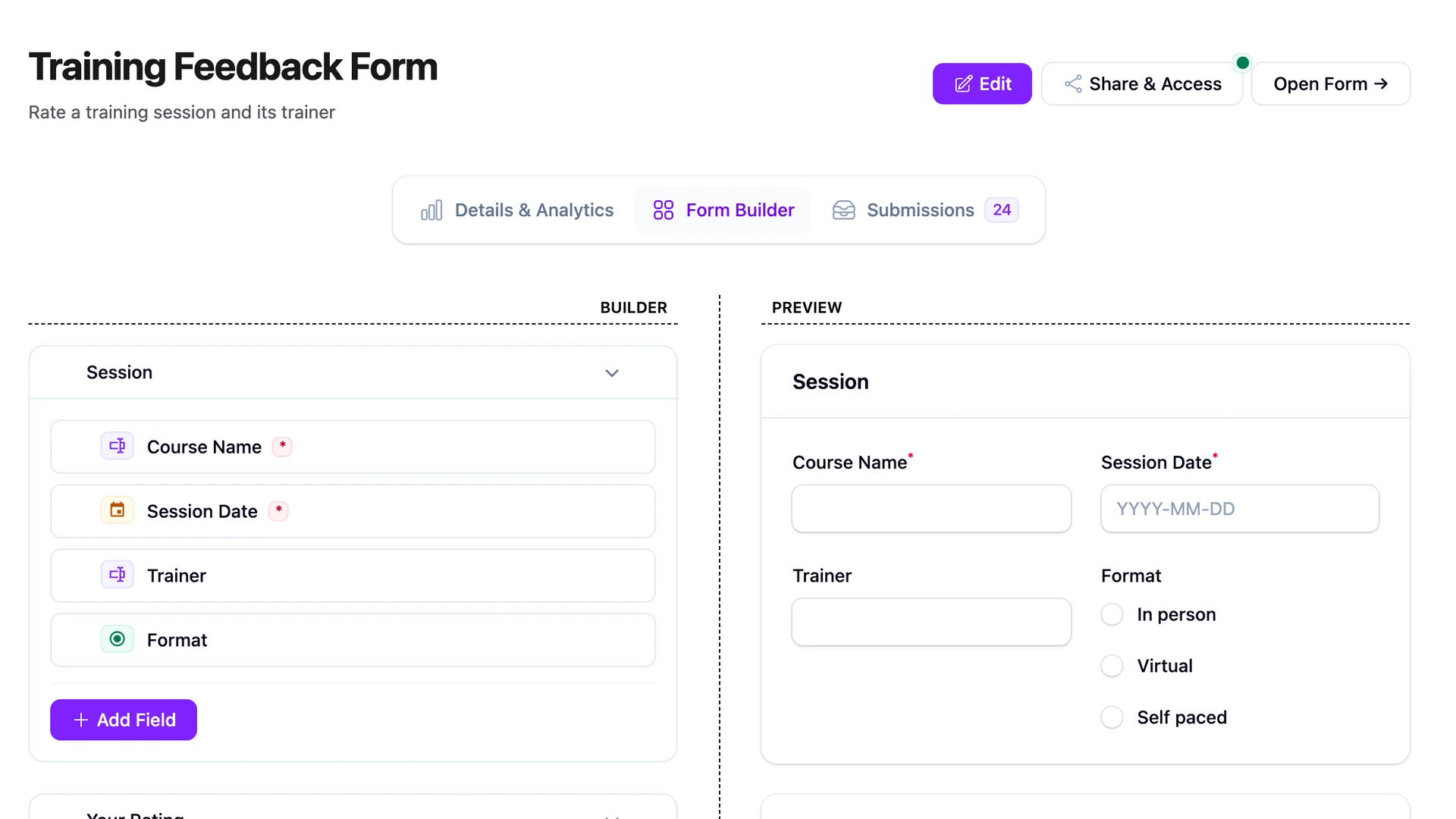
The gap between viewed and completed points to friction. A categorized form.validation_failed event can identify a field code and rule category such as required, email, or max—never the rejected value.
Abandonment is inferred after a time window. The browser cannot know that a person will never return. Label it accordingly in the dashboard.
For implementation details of the wizard itself, see the multi-step Filament form guide.
Report active time, not one misleading average
Elapsed time between first input and submit can include lunch, a sleeping laptop, or a background tab. If timing matters:
- accumulate time only while the document is visible;
- pause after a defined inactivity window;
- report median and p75/p90, not only the mean;
- segment by form version and device class only when groups are large enough for privacy.
Performance and completion are related but distinct. A slow interaction can cause drop-off, while a confusing question can be fast and still fail. Use the Laravel form performance guide to diagnose timing separately.
A minimal storage design
A compact event table can contain:
id
form_id
form_version_id
event_name
event_version
session_token
step_code (nullable)
field_code (nullable)
error_category (nullable)
occurred_at_client (nullable, untrusted)
received_at_server
Index common funnel dimensions such as (form_id, form_version_id, event_name, received_at_server). Add separate unique indexes for events whose definition requires deduplication. Avoid a single JSON dump of arbitrary browser properties; it is harder to govern and easy to turn into accidental surveillance.
Test the data, not just the chart
A credible analytics feature needs failure cases:
- refresh and multiple tabs follow the documented view rule;
- two concurrent start requests deduplicate through the database;
- failed validation records a category but no value;
- a rejected submission never increments completed submissions;
- session/token rotation limits long-term linking;
- background time is excluded or clearly labeled;
- beacon loss does not affect form submission;
- retention removes or aggregates old events as designed.
Also test bots, a submit with no captured start, back/forward cache restoration, offline browsing, and a deployment that changes steps mid-session.
Privacy is a design constraint, not a badge
Self-hosting removes a third-party recipient, but it does not automatically make analytics anonymous or compliant. Document the purpose, fields, retention, access, and deletion behavior. Keep low-volume segments out of dashboards that could single out a person, and do not reuse the session token across unrelated contexts.
The GDPR form checklist covers the broader data lifecycle. Legal requirements vary by purpose and jurisdiction, so treat this implementation as engineering guidance rather than legal advice.
The payoff for precision is practical: when a metric moves, you know whether the form changed—not merely whether the event collector changed its mind about what “started” or “submitted” means.