FilaForms
Filament Forms vs a Public Form Builder: Which Layer Do You Need?
Filament Forms vs a Public Form Builder: Which Layer Do You Need?
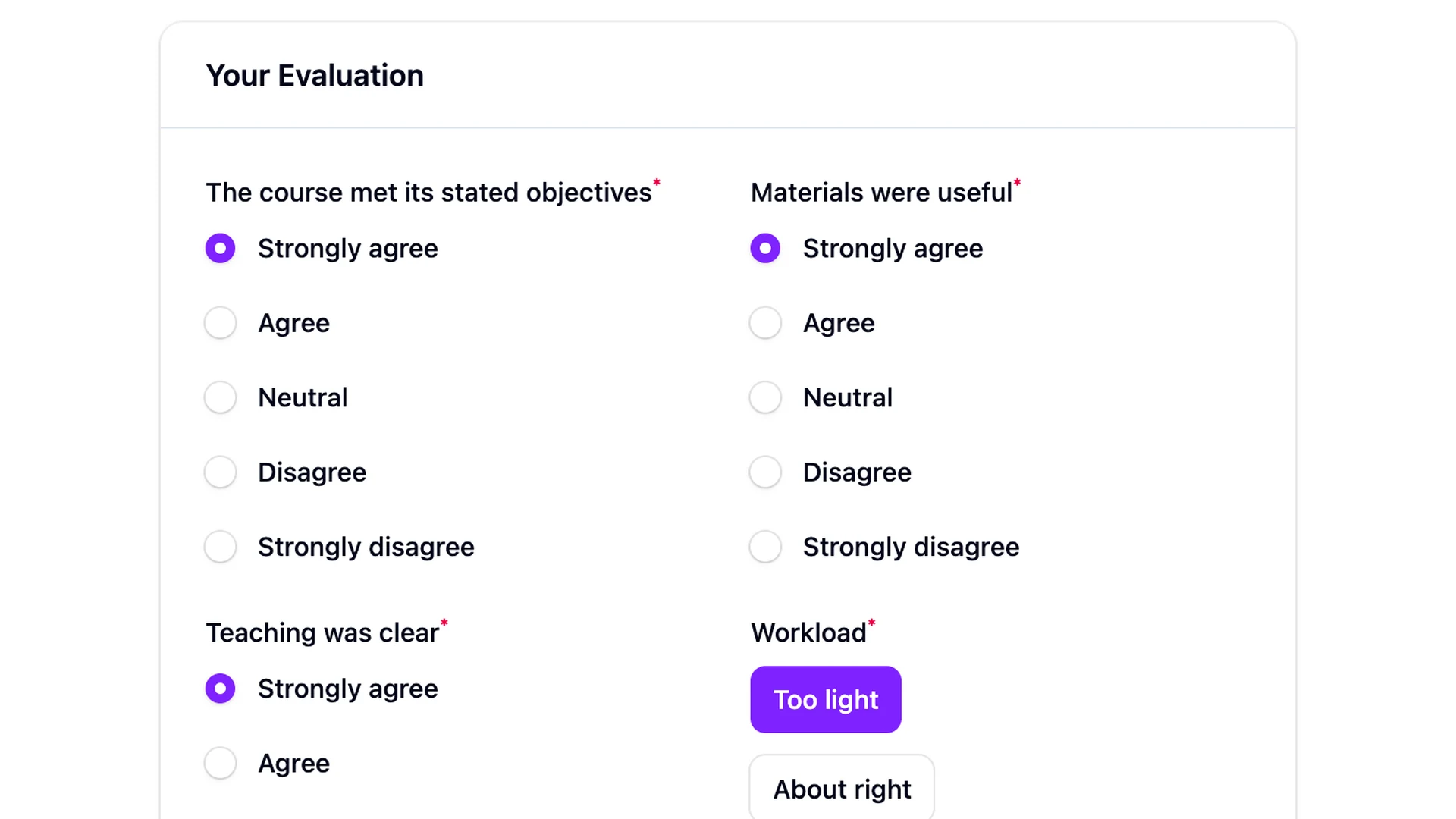
Filament Forms can render a public form. Filament 5 officially supports using a schema inside a normal Livewire component and Blade view. The real decision is not “can Filament do this?” It is whether you need an input toolkit or the entire public-form lifecycle around it.
That distinction saves both kinds of waste: buying a platform for one stable domain form, or rebuilding publishing, submissions, notifications, exports, spam controls, and analytics for the fifth time.
Filament Forms is the schema layer
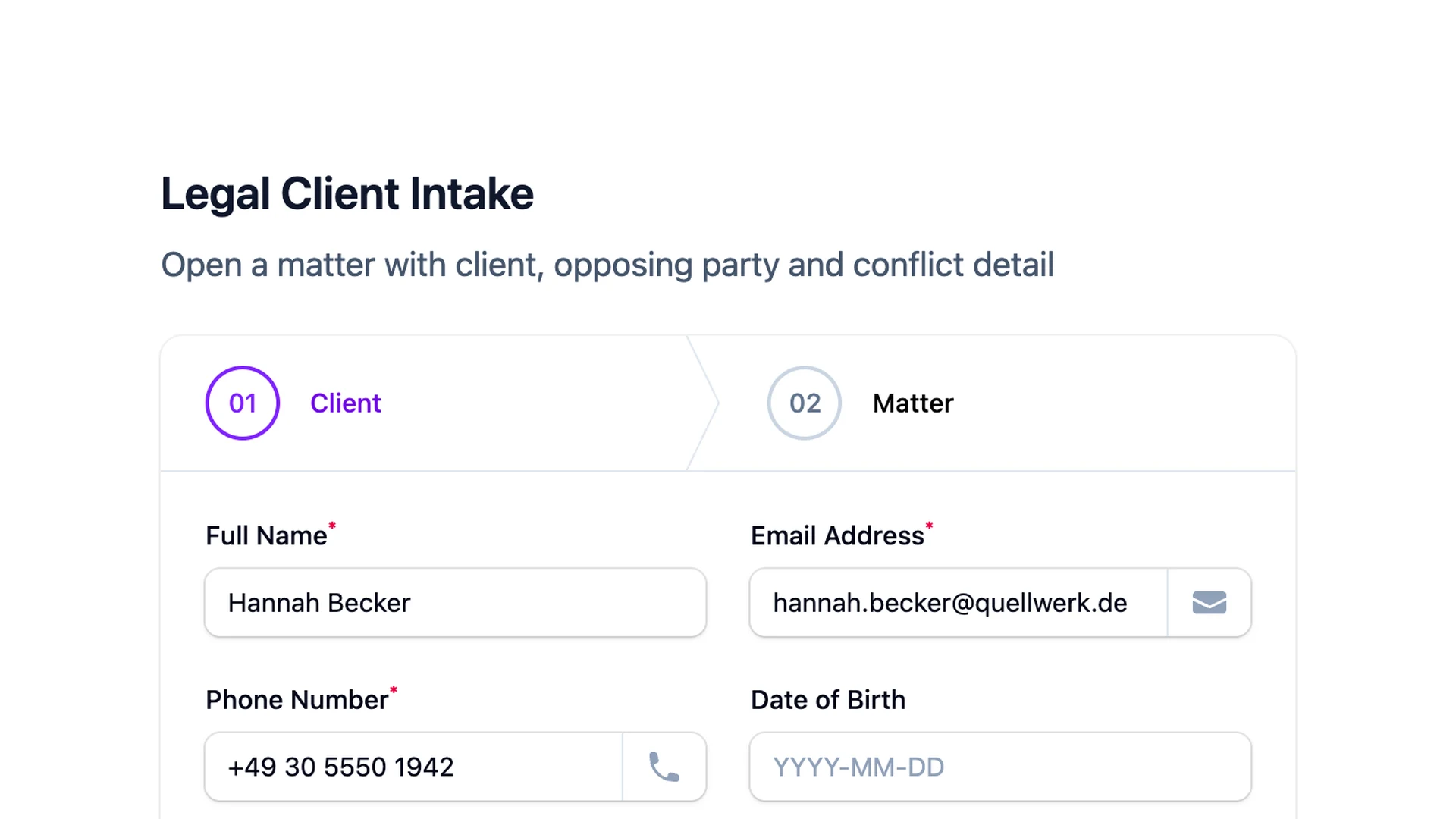
A standalone Filament 5 form gives you polished inputs, layouts, validation, reactive dependencies, and direct access to application code. A typical component defines a Schema, stores state under a public property, fills the schema in mount(), and calls getState() inside the submit action.
That is often exactly right. You decide the route, page, model, transaction, authorization, notification, and success behavior. Domain logic remains explicit and testable.
Use direct Filament Forms when:
- the form definition belongs in code;
- developers own every change;
- answers map to a domain model rather than a generic submission;
- the submit action coordinates bespoke business logic;
- there are only one or two stable forms.
The manual contact-form walkthrough is the clearest starting point. The current Filament 5 pattern is also documented in the official standalone form guide.
A public form builder is the lifecycle layer
A form product usually uses an input toolkit underneath, then owns reusable concerns above it:
| Concern | Direct Filament form | Public form system |
|---|---|---|
| Inputs, layout, validation | Included | Included |
| Definition source | PHP code | Database/JSON plus admin editor |
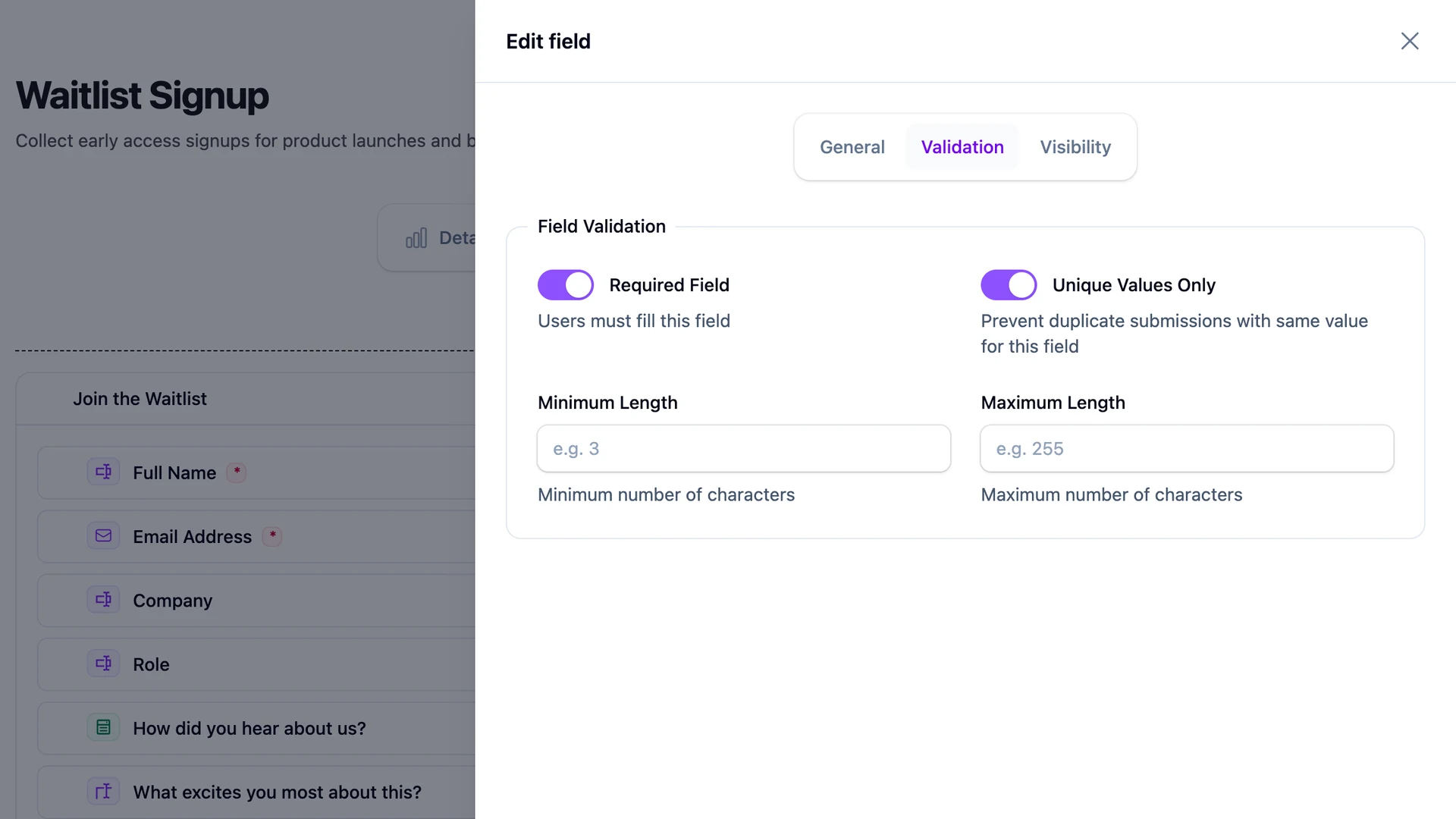
| Non-developer editing | Build it | Core capability |
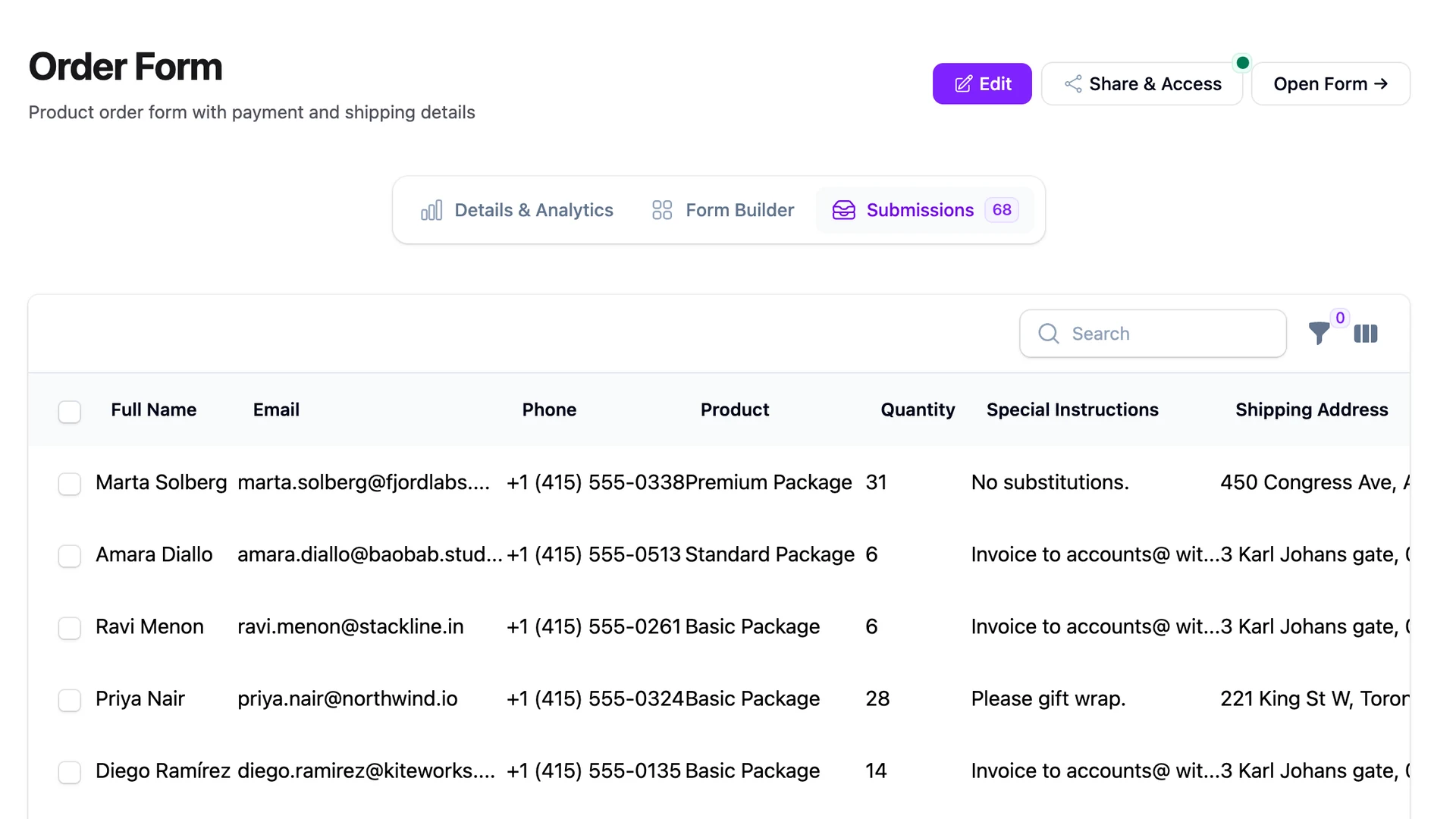
| Public route and page | Build it | Shared renderer included |
| Submission storage | Design it | Generic store included |
| Submission admin/export | Build it | Usually included |
| Emails and responses | Implement and operate | Configurable lifecycle |
| Spam and rate controls | Implement | Product-dependent defaults |
| Analytics | Instrument | Product-dependent |
| Publishing windows and embeds | Implement | Often included |
Use this layer when administrators or clients need to create forms without a deployment, or when many unrelated forms share the same operational requirements.
The same contact form, two architectures
In a direct Filament implementation, an eight-field contact form normally needs:
- a public route and Livewire component;
- the schema in PHP;
- a migration and model or a typed domain command;
- authorization and rate limiting;
- spam controls;
- submission administration and exports;
- queued notifications and failure handling;
- analytics and retention rules;
- feature and browser tests.
None of that is a flaw. It is application development, and it gives maximum control.
In a public-form system, the stored definition, public renderer, generic submission model, and admin lifecycle are reusable. A visual editor replaces code for ordinary changes. The application still owns extensions, policies, queues, storage, and production operations.
That is why the useful question is “which responsibilities should this package own?” rather than “how many lines of code can it remove?”
When direct code wins
Direct Filament Forms is usually better for checkout, account security, a medical workflow with specialized controls, or any action that updates several domain aggregates. The UI schema lives beside the application behavior, code review protects changes, and types can be explicit.
A generic builder can become awkward when every field has a custom data source, every submission maps differently, or the workflow changes transactional state rather than collecting a response.
When a builder wins
A builder earns its place for agencies, marketing pages, event registrations, surveys, applications, and internal request forms—especially when form authors should not need repository access.
The benefit grows with repetition. Public routing, anti-spam measures, uploads, retention, exports, notification preferences, and analytics are not difficult once; they are expensive when rebuilt inconsistently across projects. Our build-versus-buy breakdown lists those recurring tasks.
The hybrid is often best
You do not have to choose generic storage or domain logic for the whole system.
A practical hybrid flow is:
- the form system renders and validates a published definition;
- it stores the original generic submission;
- it emits a typed application event after commit;
- a listener maps selected forms into domain commands or queued integrations;
- failures are monitored without making the visitor wait.
This keeps ad hoc forms cheap while preserving explicit code for high-value workflows. The submission remains an audit/debug source, and domain models do not need to understand arbitrary field schemas.
Do not forget the public endpoint
Rendering inputs is the easy part of operating an anonymous endpoint. You still need layered bot controls, server-side validation, private upload handling, duplicate-submit behavior, response-safe rendering, and a retention policy.
See the Laravel form spam controls and form analytics implementation for two examples of lifecycle work that a component library does not claim to own.
A decision rule that holds up
Choose direct Filament Forms when the schema is stable, developer-owned, and inseparable from domain behavior. Choose a public form system when definitions change frequently, non-developers publish them, and many forms need the same submission lifecycle. Use a hybrid when collection is generic but the business effect is not.
FilaForms is our Filament-native implementation of the second approach. Its architecture explains how database schemas become Filament components while remaining inside the host Laravel app.