FilaForms
How to Build a Customer Feedback Survey in Laravel
How to Build a Customer Feedback Survey in Laravel
Most customer feedback surveys are bad. They ask too many questions, they don't adapt based on what you've already answered, and they dump you on a "thank you" page with zero personality. Completion rates suffer, the data is useless, and your customers feel like they just filled out a government form.
I want to walk through building a feedback survey that actually works. We'll build an NPS-style survey with conditional follow-ups, split it into steps so it doesn't feel overwhelming, and set it up to collect data you can do something with. All inside a Laravel app using FilaForms.
What makes a survey worth filling out
Before touching any code, here's what I've learned from running surveys on my own products:
- Keep it under 5 minutes. Anything longer and your completion rate tanks. Three to five questions is the sweet spot for customer feedback.
- Ask one thing per question. "How would you rate our product and support?" is two questions pretending to be one. Split them.
- Branch based on answers. If someone gives you a 9/10, don't ask them what went wrong. If someone gives you a 3/10, don't ask them to recommend you to a friend. Conditional logic matters here.
- End with something open-ended. A single "Anything else you'd like to tell us?" catches things you didn't think to ask about.
The survey we're building
Here's the plan: a 3-step NPS-style feedback survey.
Step 1 — Rating: Ask the customer to rate their experience on a 0-10 scale using a select field. One question, no friction.
Step 2 — Follow-up: This is where conditional logic comes in. Based on the rating from step 1:
- Score 0-6 (Detractors): "What disappointed you?" with a textarea
- Score 7-8 (Passives): "What could we do better?" with a textarea
- Score 9-10 (Promoters): "What do you like most?" with a textarea
Step 3 — Demographics (optional): How they found you (select), how long they've been a customer (select), and an open "Anything else?" textarea.
Let's build it.
Setting up the form in FilaForms
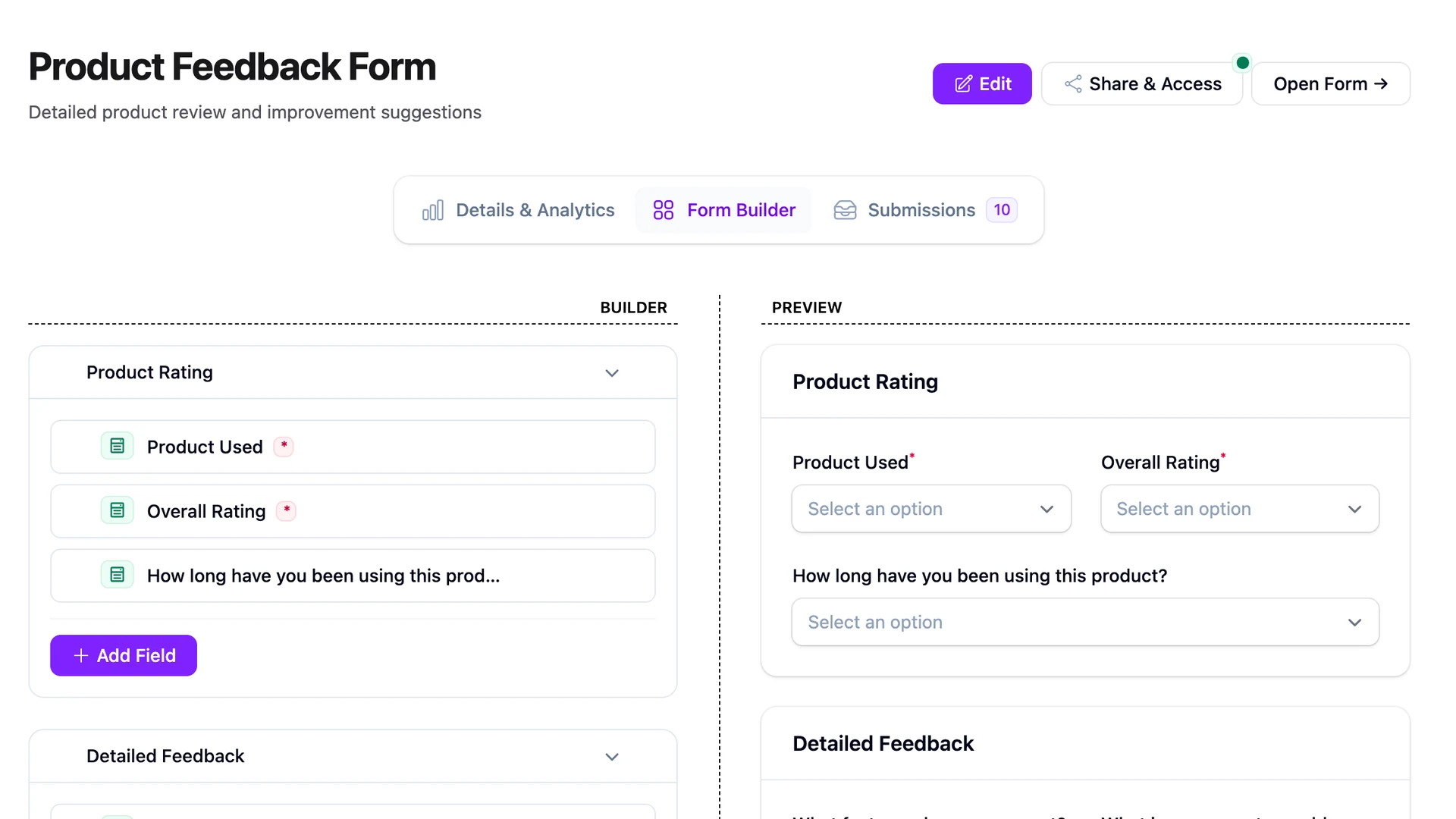
In your Filament admin panel, go to FilaForms and create a new form. FilaForms ships with a "Customer Survey" template and an "NPS" template you can start from, but I'll walk through building it from scratch so you understand each piece.
Give your form a name like "Customer Feedback Q2 2026" (versioning surveys by quarter helps when you're comparing results later).
Step 1: The rating question
Add a Select field. Label it "How likely are you to recommend us to a friend or colleague?" and set the options to 0 through 10. Mark this field as required.
You could also use a Radio field or Toggle Buttons here. Toggle buttons work well for NPS because the customer can see all options at once without opening a dropdown. Pick what fits your design.
That's it for step 1. One question. Don't overthink it.
Step 2: Conditional follow-up questions
This is where the survey gets useful. You want different follow-up questions based on the NPS score. Add three textarea fields:
- "What disappointed you?" — Set a conditional logic rule to SHOW_WHEN the rating field value is less than or equal to 6.
- "What could we improve?" — SHOW_WHEN the rating field value is greater than or equal to 7 AND less than or equal to 8.
- "What do you like most about us?" — SHOW_WHEN the rating field value is greater than or equal to 9.
FilaForms supports 8 comparison operators and AND/OR logic, so you can set these conditions directly in the form builder UI. No code, no custom Livewire components.
The customer only ever sees one follow-up question. This keeps the survey focused and makes each response more useful because you know the context behind it.
Step 3: Demographics
Add a few optional fields:
- A Select field: "How did you find us?" with options like Search Engine, Social Media, Referral, Other.
- A Select field: "How long have you been a customer?" with options like Less than a month, 1-6 months, 6-12 months, Over a year.
- A Textarea field: "Anything else you'd like to tell us?" — leave this optional.
None of these should be required. Step 3 is bonus data. If someone drops off after step 2, you still have their rating and qualitative feedback, which is the most valuable part.
Making it multi-step
A single long form is a wall. Break it into steps so each screen feels quick to complete.
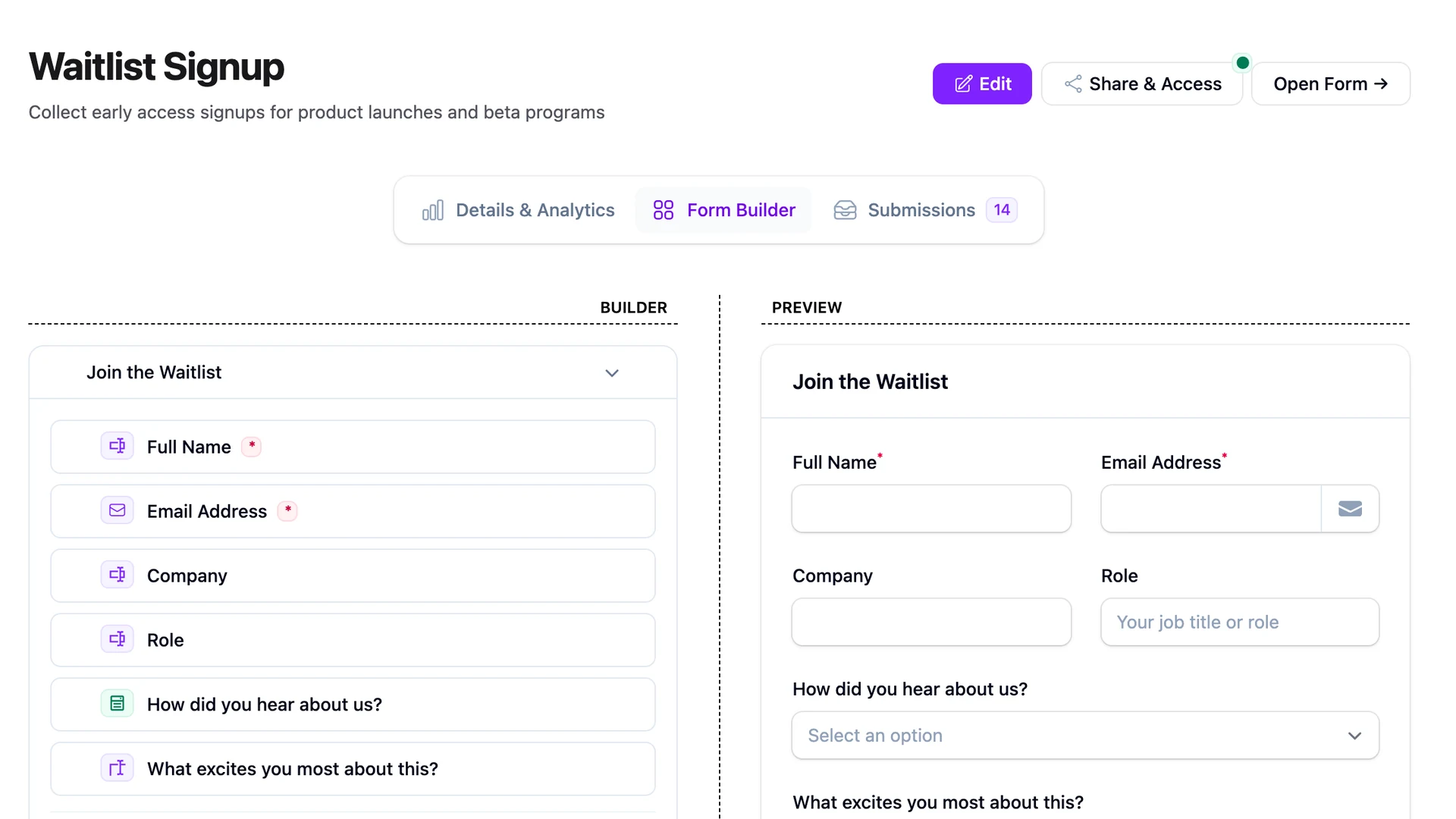
In FilaForms, enable the multi-step wizard and assign your fields to three steps. The wizard shows a progress bar and validates each step before moving forward, so the customer knows exactly where they are.
Name your steps something human:
- Step 1: "Your rating"
- Step 2: "Tell us more"
- Step 3: "About you"
The progress bar alone increases completion rates because people can see the finish line.
Embedding the survey in your app
Once the form is built, you can embed it directly in your Laravel views:
use FilaForms\Core\Models\Form;
public function feedback()
{
$survey = Form::where('slug', 'customer-feedback-q2-2026')
->where('is_public', true)
->where('active', true)
->firstOrFail();
return view('feedback.show', ['form' => $survey]);

}
<h1>We'd love your feedback</h1>
<p>Takes about 60 seconds.</p>

<x-filaforms::form :form="$form" />
Sharing your survey
Toggle the public form option and FilaForms generates a shareable URL at /filaforms/{ulid}. You can send this in post-purchase emails, embed it in your app's dashboard, or link to it from a support ticket resolution page.
A few settings worth configuring:
- Enable
onePerPersonif you're sending this to logged-in users, so nobody submits twice. - Set a specific thank-you message after submission. "Thanks for the feedback. We read every response." beats a generic "Thank you for your submission."
- Turn on honeypot spam protection if the URL is publicly accessible. Bot submissions will pollute your data fast.
You can also add custom CSS to match your brand. If your product has a dark theme, your survey shouldn't look like a default Bootstrap form.
Analyzing the results
This is the part most people skip when they roll their own survey system, and it's the part that actually matters.
FilaForms tracks form analytics out of the box: views, starts, submissions, completion rate, and average time to complete. For a feedback survey, the numbers to watch are:
Completion rate is the first thing to check. If it's below 60%, your survey is too long or something in the flow is confusing. Trim questions or simplify wording.
Drop-off by step. If most people bail on step 3, that's fine since it's optional demographics. If they bail on step 2, your conditional follow-up might need simpler prompts.
Average time to complete should be under 2 minutes for a 3-step survey. Over 5 minutes means you're asking too much.
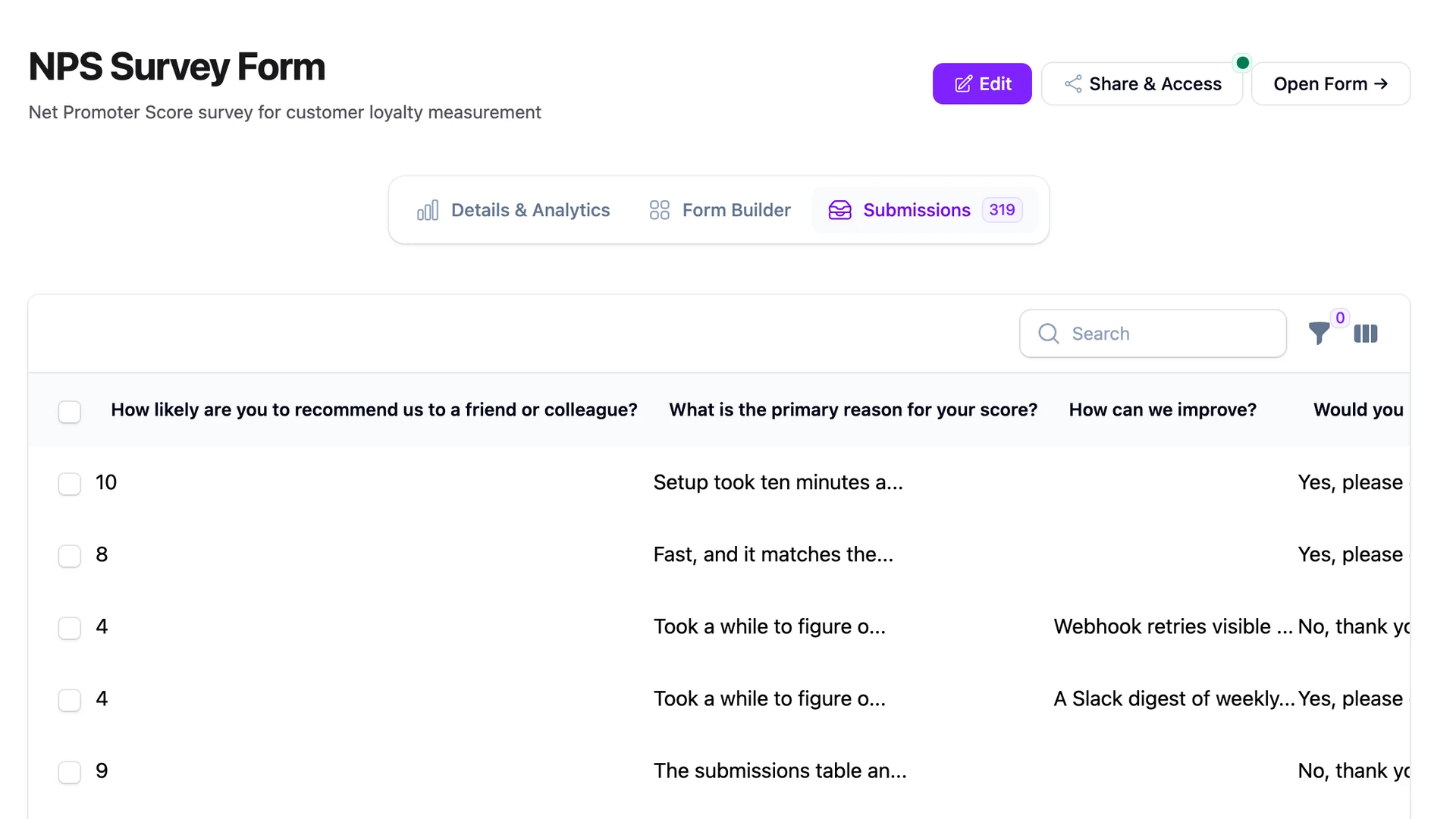
For the actual NPS calculation, export your submissions as CSV and calculate the score: (% Promoters - % Detractors). FilaForms stores all responses as JSON with sequential numbering, so you can also query the database directly if you want to build a dashboard or pipe the data into something else.
Tips for better response rates
From running surveys on my own SaaS products, here's what actually moves the needle:
Timing matters more than copy. Send the survey 3-7 days after a meaningful interaction, like a first project completed or a support ticket resolved. Don't survey people the day they sign up.
Keep step 1 dead simple. If the first thing someone sees is a wall of text, they'll close the tab. One question, big buttons, nothing else.
Tell people how long it takes. "Takes 60 seconds" in your email subject line does more for completion rates than any clever copy.
Close the loop. If 5 people tell you the onboarding is confusing, fix it and tell them you fixed it. People fill out surveys when they believe someone actually reads them.
One more thing: don't survey everyone at once. Send to 10-20% of your users first. If the questions are confusing or the flow breaks, you haven't burned your entire user base.
Frequently Asked Questions
How do I build an NPS survey in Laravel?
Use FilaForms to create a form with a 0-10 select field (the NPS score) and three conditional textarea fields for follow-up questions. Set each textarea to SHOW_WHEN the score falls in the Promoter (9-10), Passive (7-8), or Detractor (0-6) range. Enable the multi-step wizard to split rating, follow-up, and optional demographics into separate screens. FilaForms handles branching logic and analytics without extra code.
Can FilaForms handle conditional branching in surveys?
Yes. FilaForms supports SHOW_WHEN and HIDE_WHEN visibility rules with 8 comparison operators, including "greater than," "less than," and range conditions using AND logic. For an NPS survey, you'd show different follow-up questions based on whether the score is below 7, between 7 and 8, or above 8. The same conditions run in the browser and on the server, so branching behavior is consistent regardless of how someone submits.
Does FilaForms include survey analytics?
Yes. FilaForms tracks views, form starts, submissions, completion rate, and average time to complete for every form. You can see where respondents drop off across steps, which helps identify friction points. For deeper analysis like NPS score calculation, export submissions as CSV or query the database directly — all responses are stored as structured JSON in your own database, not a third-party analytics service.
Wrapping up
You don't need Typeform or SurveyMonkey to collect customer feedback in a Laravel app. FilaForms handles the form building, conditional logic, and response tracking without leaving your Filament admin panel. The data stays in your database, you export it however you want, and you're not paying per response.
If you've been putting off collecting customer feedback because it seemed like a whole project, it's about 15 minutes of setup. Install FilaForms, build the form, share the link.