FilaForms
Job Application Forms in Laravel: Resumes, Cover Letters, and ATS-Friendly Exports
Job Application Forms in Laravel: Resumes, Cover Letters, and ATS-Friendly Exports
Greenhouse doesn't publish a public price list, but every third-party teardown I've read puts a small-company contract in the low five figures a year once seats and add-ons are stacked. Lever and Workable land in similar territory. For a 30-person company hiring four roles a year, that's thousands per hire for software the hiring manager opens twice a month and uses for one thing: reading the resumes a careers page collected.
I've watched this exact subscription get renewed three years in a row at a company that never used the interview-scheduling, never used the offer-letter workflow, never used the analytics dashboard. What they used was the inbox. A job application form in Laravel, a private S3 disk for the resumes, a CSV export the hiring manager could open in Numbers, and a signature field for the offer letter would have replaced 80% of it.
This post is that form. Seven fields, real validation on the resume upload, an honest read on the optional fields most ATS pages get wrong, and a CSV-first export with Airtable as the upgrade path when CSV stops being enough. Where self-hosting stops making sense is past 50 hires a year — at that volume you want a real ATS with interview scheduling, scorecards, and the integrations Greenhouse charges for. Below that, you're paying for capacity you don't use.
The smallest viable job application form
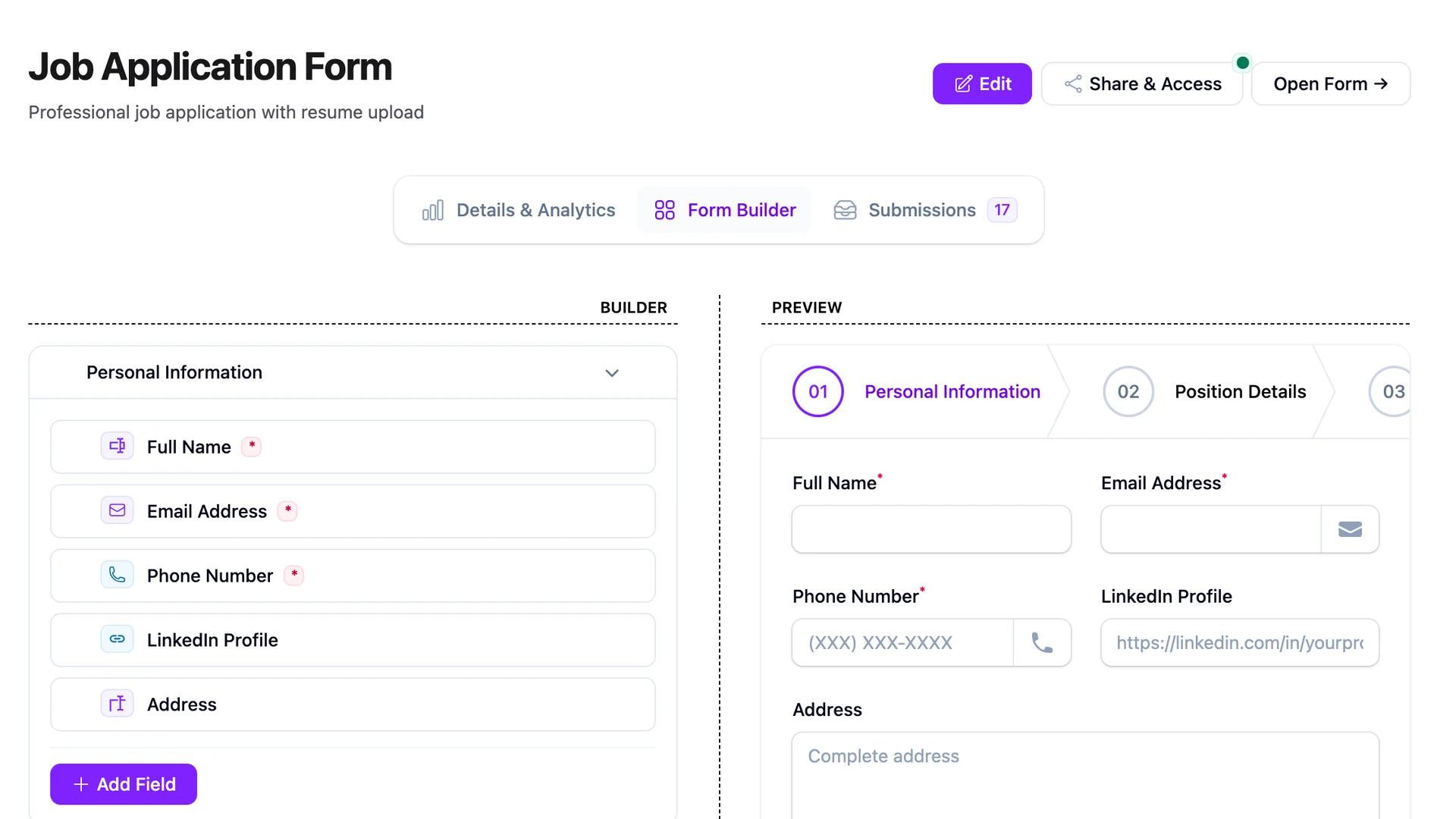
The smallest viable job application form has seven fields. Anything beyond this is a tax on the candidate before you've earned the right to ask. The point of the form is to get a qualified resume into your inbox; everything else — references, work samples, the deeper screen — happens after a human has decided this is a person worth talking to.
- Name. First and last, one line. Don't split them into two fields; some candidates don't have a single first/last shape.
- Email. The reply channel. One field, validated, required.
- Role. A dropdown of the roles you're hiring for, pre-selected based on the page they came from.
- Resume upload. PDF, capped at a sensible size. See the next section.
- Cover letter. Optional, textarea. Most strong candidates skip it; most weak ones write three paragraphs. Useful signal either way.
- Work authorization. "Are you legally authorized to work in [country]?" — yes/no. Required if you can't sponsor.
- Portfolio link. Optional, URL field. Engineering, design, writing roles need this; ops and sales rarely do.
That's the floor. No phone number on the form. No demographic questions on the form. We'll get to both.
Resume uploads done right
A resume upload is the highest-risk field on the form, because a PDF from a stranger is an executable in a thin disguise. FilaForms ships a FileUpload field with mime-type validation, a size cap, and a required-flag — the four rules available are FILE, MIMES, MAX, and REQUIRED, verified in the field definition. The pattern I land on every time looks like this:
FileUpload::make('resume')
    ->label('Resume')
    ->required()
    ->rules(['mimes:pdf', 'max:5120']) // 5 MB cap
    ->disk('s3-private')
    ->visibility('private');
Three things make this safe enough to ship. First, the mime-type constraint catches the obvious "I renamed my exe to .pdf" attack — Laravel reads the file's actual mime type, not the extension. Second, a 5 MB cap is generous for a resume and tight enough to stop a candidate from uploading a video. Third, the private disk means the file isn't world-readable; it lives behind a signed temporary URL that the FileStorage helper generates for the hiring manager's table view in Filament.
FilaForms doesn't ship a built-in virus scanner on resume uploads. You get mime-type validation and a size cap, which catches most accidents. For a real scan, route the file through ClamAV or a hosted scanner before you let a hiring manager click it — a queued job on the FormSubmitted event is the place to put it.
The optional fields most ATS pages get wrong
Three fields show up on most careers pages that shouldn't, or shouldn't in the way they do.
Phone number. Most hiring conversations start over email. The phone number you collect at application time gets used once — for the recruiter screen — and stored forever. Skip it on the form; ask for it when you schedule the call. Less data to lose, one fewer field on the way to submit.
Demographic questions. Race, gender, veteran status, disability status. These belong in a separate, voluntary, decoupled survey — not on the application form. Mixing them in signals the wrong thing to the candidate, and depending on where you hire, it creates legal exposure you don't want. The pattern that works: a post-submit redirect to a second form, opt-in, with a clear "this is not used in hiring decisions" notice.
Salary expectations. Salary history is illegal to ask for in California, New York, Colorado, and a growing list of others. Salary expectations sit in a grayer zone but read as bad faith — you're either ready to pay the market rate or you're not. Post the range on the job page, skip the field, and have the conversation in the screen.
Each of these is a small thing that signals a larger one. A short, honest form converts better than a long, defensive one.
ATS-friendly exports
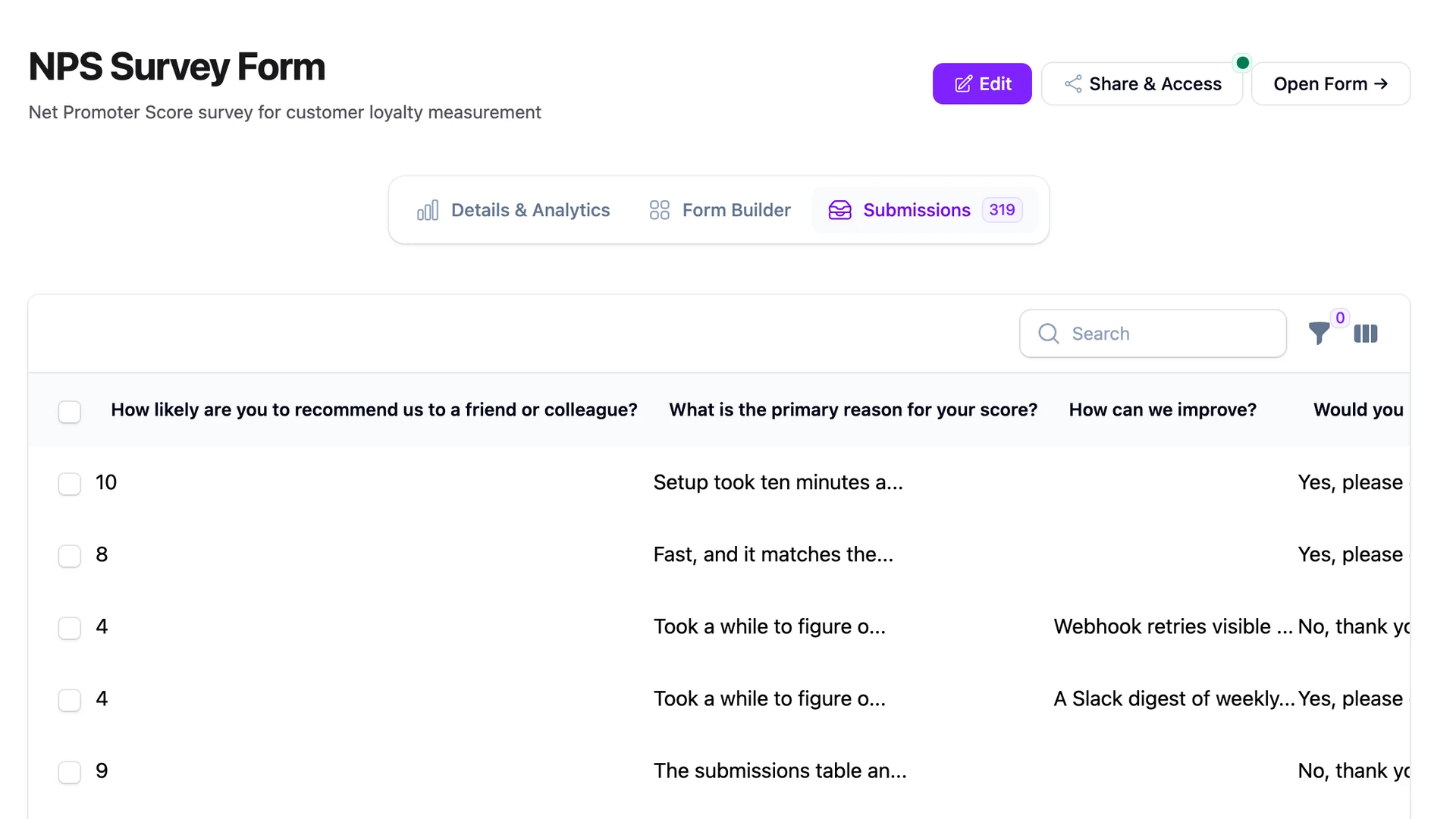
The hiring manager doesn't want to log into your admin panel. They want a spreadsheet, in a folder, on their laptop. FilaForms' built-in CSV export on the submissions table covers the first six months of hiring at most companies — filter by role, click export, drop the file in Slack. The hiring manager opens it in Numbers, scribbles on it, ships it back.
When CSV stops being enough — usually when more than one person is touching the pipeline, or when you want comments on each candidate — the next step up isn't Greenhouse. It's a shared base in Airtable. The pattern is to pipe every submission into a single base, one row per candidate, attachments on the row, status column you move as the candidate progresses. The forward link below walks through the two-way sync. For pipelines that need more than Airtable can carry — pushing to an existing HRIS, syncing back to Slack, fanning out to a recruiter's tool — the webhooks delivery layer is where you wire that fan-out. If you'd rather keep candidates in Airtable as your single source of truth, pipe submissions into Airtable as a lightweight pipeline covers the schema and the sync direction.
The line where self-hosting stops making sense is when you have a dedicated recruiter who lives in their tool all day. Below that, CSV and Airtable cover the work.
Offer letters and NDAs
Once a candidate is in the late stage — verbal offer accepted, paperwork pending — you need a signature on something. The offer letter, the NDA, sometimes both. The default move is DocuSign, which is fine and which costs another subscription. The cheaper move, if you've already built the application form in FilaForms, is to use FilaForms' signature field on a second form: paste the offer letter copy in, drop a signature field at the bottom, send the candidate the link.
The signature field captures a PNG of the candidate's drawn signature, stores it on the same private disk as the resume, and emits the same FormSubmitted event you can listen to for the "send the countersigned copy to HR" step. It's not a replacement for DocuSign at a regulated company — there's no full audit trail, no built-in tamper-evident PDF — but for an offer letter at a 30-person company, it's enough.
That's the careers form
Seven fields on the application, a private disk for the resume, a CSV export for the hiring manager, Airtable when you outgrow CSV, and a signature field for the offer letter. Nothing exotic. Most of it is wiring you already have.
If you haven't set up FilaForms yet, you can grab FilaForms here. For the lightweight pipeline upgrade, pipe submissions into Airtable as a lightweight pipeline is the next read. For the offer-letter step, FilaForms' signature field covers what's there and what isn't.
Vendr's Greenhouse pricing teardown is the source for the cost framing at the top of this post.