FilaForms
Lead Generation Forms in Laravel: A Template That Actually Converts
Lead Generation Forms in Laravel: A Template That Actually Converts
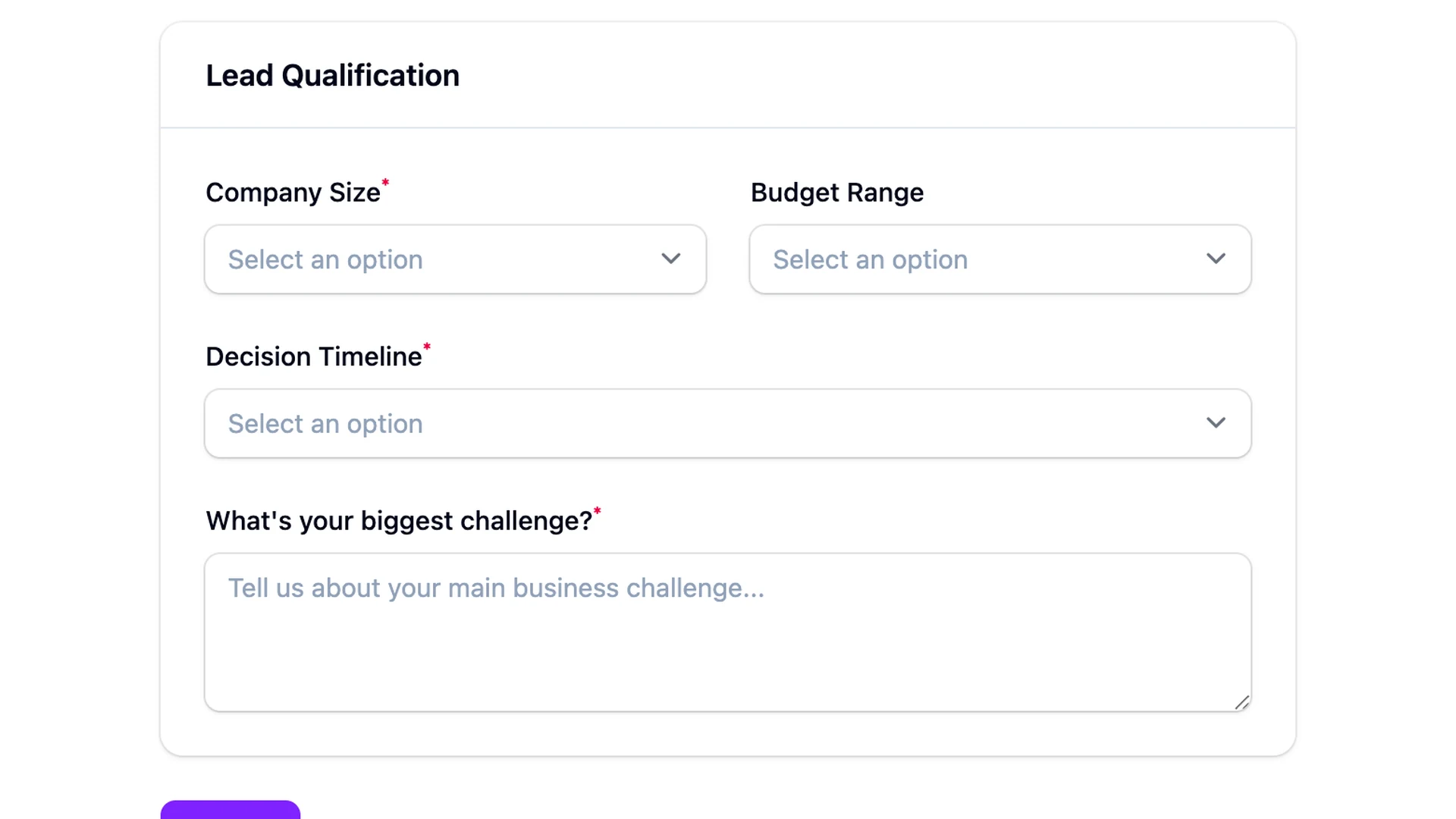
The classic B2B lead form starts with twelve fields. Name, email, job title, company, company size, industry, annual revenue, phone number, country, what brings you here today, how did you hear about us, and a checkbox for the newsletter. Half of them are required. The user hasn't seen a single screenshot of the product yet, and they're being asked to disclose annual revenue.
I've watched this exact form go live on three different Laravel projects. Every time, the team measures conversion at the end of the month and is surprised it's under 5%. They blame the headline, the hero image, the CTA copy. The form is the problem. A lead generation form in Laravel — or anywhere else — asks a stranger to volunteer information in exchange for the chance to be sold to. Every field added is a reason to abandon. Every field cut is a reason to finish.
This post is the template I land on every time. Four core fields, two conditional ones, and a clear list of what to leave out. The reasoning matters as much as the field list, so I've put the why next to each.
The minimum viable lead form
The minimum viable lead form has four fields. Three are visible from the start. The fourth shows up only when it's relevant. Anything more on the first pass is a leak, not a question.
- Name. First name only. Last name is enrichment data — you can buy it later. Asking for a full legal name on a top-of-funnel form is a friction tax with no upside.
- Work email. A single email field with a one-line microcopy under it: "We won't add you to a marketing list without asking." That sentence converts. It costs you nothing to write and it answers the silent objection every form has — "what are you going to do with this?"
- What are you trying to solve? One open text field, single line, optional. Not a dropdown. Not a checkbox grid. Open text. This is the field that earns its keep, and section four explains why.
- Company — but only if the email is on a business domain. This is the conditional one. Personal email (gmail, outlook, icloud) and the field stays hidden. Business email and it appears. Next section covers how.
That's it. Four fields, three visible by default. Anything else — phone, role, country, company size — belongs in the post-submission flow, the enrichment job, or the discovery call. Not the form.
Adding company info — but only when relevant
Conditional visibility is the move. If the email field contains @gmail.com, @outlook.com, @icloud.com, or any of the common consumer providers, the user is probably evaluating personally and the company field is noise. If the email is on a business domain, the company field appears.
FilaForms supports this through the field visibility conditions on each form field — the operator set includes "contains" and "does not contain", which is exactly what an email-domain check needs. The visibility rule on the Company field says: show this when the email field does not contain any of the personal domains. The field stays hidden for a @gmail.com user and reveals for a @stripe.com user, with no page reload.
If you'd rather not lean on the field-level UI for this, the same logic works as a simple email-domain check on submit — derive the company from the domain instead of asking. A user typing manuk@filaforms.app doesn't need to confirm their company is FilaForms. The domain tells you.
Either path, the principle is the same: don't ask for what the data already tells you, and don't show fields the user can't usefully fill in.
An open text field beats a dropdown
The "what are you trying to solve?" field is the one that pays for everything else on the form. It looks soft. It isn't.
A dropdown forces the user into your buckets. Your buckets are wrong, by definition — they were drawn before you talked to this person. Worse, dropdowns invite the user to pick the least-inaccurate option and move on, which gives you data that looks structured but means nothing.
Open text gives you the prospect's own words. Three rough shapes show up over and over:
The vague one — "Just looking around." Cold lead. Useful to know.
The specific one — "We have 12 forms across our admin built with Filament and they all hit different controllers." Warm lead, technical, and you now know what to say in the first reply. You couldn't have written that dropdown option in advance.
The wrong-fit one — "Looking for a Typeform alternative for surveys." Maybe a fit, maybe not, but the prospect has handed you the framing of the conversation. That's worth more than every job-title field on the internet.
Optional, single line, no placeholder text trying to lead the answer. The blank field is the point.
Four fields belong on the cut list
Some fields look harmless on a lead form and aren't. They're either enrichment data you can buy, friction with no payoff, or filtering questions the prospect hasn't earned yet.
- Job title. This is enrichment data. Tools like Clearbit and Apollo will give you a cleaner answer than the user will type. Ask later.
- Company size. A self-reported dropdown — "1–10, 11–50, 51–200" — is noise. The user picks the bucket that sounds best for the conversation they want to have. You can pull this from the company domain after the fact.
- Industry. Same problem. Self-reported industry data is a coin flip. You can infer it from the company in seconds; you don't need a dropdown.
- Phone number. Asking for a phone number on a top-of-funnel form is the strongest abandonment signal in B2B. Move it to the demo-booking step, where the user has already committed.
The first lead form on filaforms.app had a company-size dropdown. I removed it after two weeks. Nobody had filled it in honestly anyway, and the completion-rate bump was visible the next day.
A separate note on bot defense: the answer to "we're getting a lot of garbage submissions" is not another field for humans to fill out. It's a honeypot and a rate limit, both of which are covered in the spam-protection write-up. Don't put friction on humans to filter out bots.
Lead scoring is a FormSubmitted listener away
Once a submission lands, you can score it before it touches the inbox. FilaForms fires a FormSubmitted event with the form and submission attached, and a listener on that event is the cleanest place for scoring logic.
The shape I keep landing on is two-dimensional. Business email plus a specific, on-topic answer in the open text field is hot — that one gets routed to a "new lead, reply today" channel. Personal email plus a vague or empty answer is cold — that one gets the autoresponder and a low-priority queue. Anything in between is warm and goes to the standard inbox.
The listener doesn't need a scoring model. A handful of conditions, a tag on the submission, and the right routing destination is enough. From there, where the lead goes — Slack, HubSpot, a webhook to your CRM — is where the routing actually happens. FilaForms doesn't ship a lead-scoring product, and I don't think it should. The event is the seam, and the scoring belongs in your code where it can change as your offer changes.
Completion rate is the metric
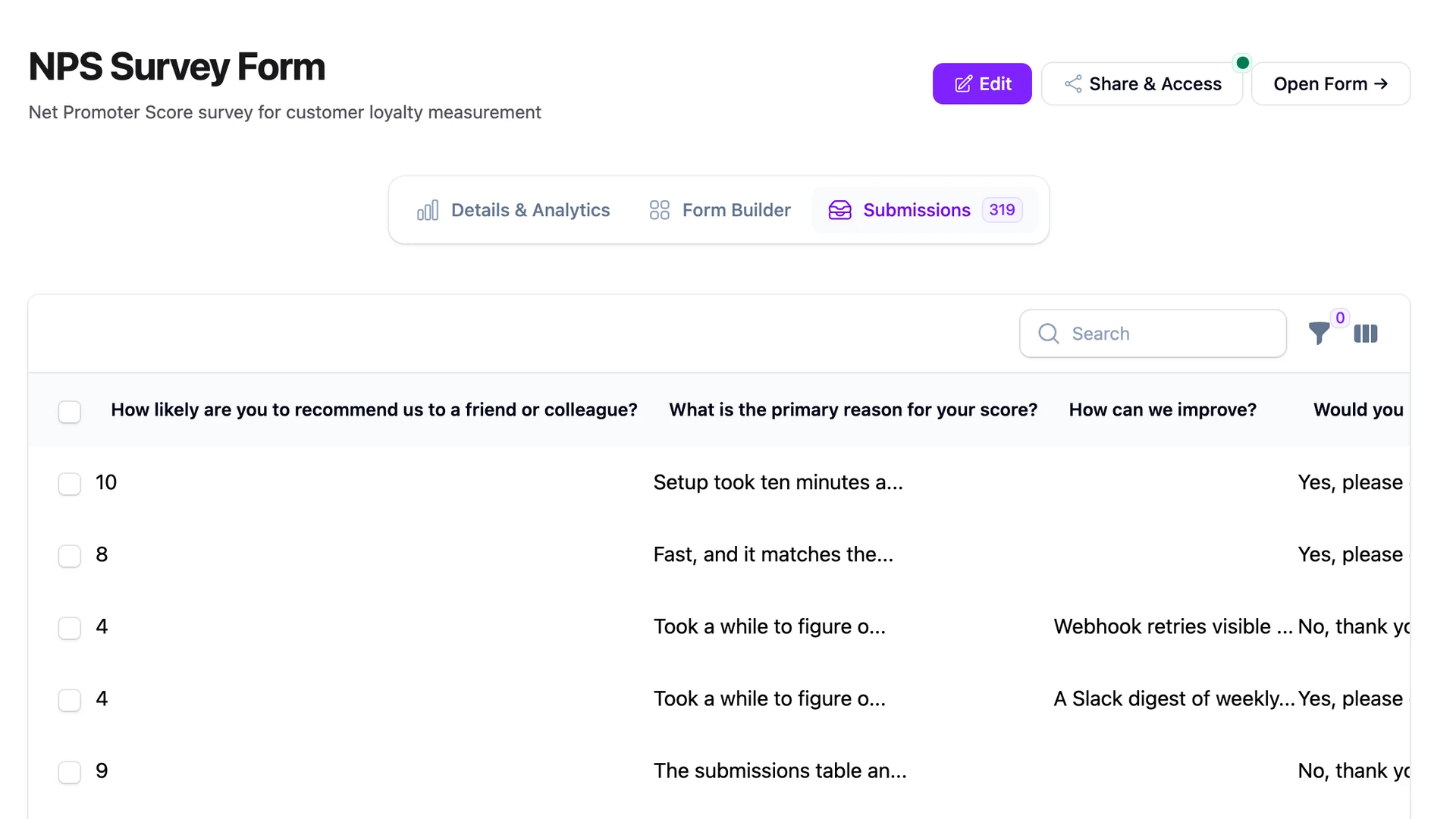
Submission count is the wrong metric for a lead form. Completion rate is the right one. FilaForms tracks form starts and form completes — the ratio is what tells you whether the form itself is doing its job.
The rough bands I use: under 40% means the form is too long, or the fields are too invasive, or the "we won't spam you" microcopy is missing. Over 60% means the friction is right. Almost every form I've shipped sits in the 45–55% range out of the gate and climbs once you cut a field.
Set a target, watch the number for two weeks, cut a field, watch again. That's the loop. Headline and hero changes move the top-of-funnel; field cuts move the completion rate. Don't confuse the two.
That's the template
Four fields, two conditional, four explicit drops, one open text field doing the heavy lifting, and a listener on the way out that decides where the lead goes. Nothing exotic. Most of the work is what you remove.
If you're collecting EU leads, the next thing to read is the GDPR checklist — consent on a lead form is its own short list. Coming up next month: pairing this template with the HubSpot routing flow, which is the CRM destination most teams land on.
If you haven't set up FilaForms yet, you can grab FilaForms here. The minimum viable lead form is twenty minutes to build, and the completion-rate bump shows up the same week.