FilaForms
Self-hosted form builder for Laravel: why you don't need Typeform
Self-hosted form builder for Laravel: why you don't need Typeform

Typeform charges $25/month for 100 responses. JotForm gives you 100 submissions on the free plan, then wants $34/month. Google Forms is free but looks like Google Forms, and your data lives on Google's servers.
If you're a Laravel developer looking for a self-hosted form builder, none of these make sense. You already have a server and a database. You already have the infrastructure to handle form submissions. Why pay a SaaS company to do it?
The SaaS form builder tax
Let's do the math on Typeform's pricing.
Their Basic plan is $25/month for 100 responses. Business plan is $83/month for 10,000 responses. That's $996/year on the low end, just for form hosting.
For that money, you get a form builder, response storage, basic analytics, and email notifications. Things Laravel handles natively.
And there's a catch most people don't think about until it bites them. Your form data (customer emails, phone numbers, messages, file uploads) sits on Typeform's servers. In their database. Under their privacy policy. Subject to their data processing agreements.
If you're building for clients in the EU, that's a GDPR conversation you didn't need to have. In healthcare or finance, it's a compliance headache. And if you're the kind of developer who just likes knowing where data lives, it's plain annoying.
What self-hosting actually means
Self-hosted doesn't mean complicated. The form builder runs on your server, stores data in your database, and doesn't phone home. (If you're weighing self-hosted against building forms manually, we cover that in FilaForms vs building from scratch.)
For Laravel developers, the options look like this:
OpnForm
Open-source, built with Laravel and Vue.js. It's a standalone application — you deploy it separately from your main app. Think of it as a self-hosted Typeform clone. Nice UI, good feature set.
The downside: it's a separate application. Separate deployment, separate database, separate auth. If you're already running Filament as your admin panel, OpnForm doesn't integrate with it. Your form submissions live in OpnForm's database, not your app's.
Lara Zeus Bolt
A Filament plugin for dynamic forms. Open-source, integrates with your existing Filament panel. Decent option if you want something free.
It's less polished than a commercial solution and the documentation is thinner, but it exists and it works.
FilaForms
A commercial Filament plugin. One-time license, no subscription. Installs into your existing Laravel app via Composer, shows up as a section in your Filament admin panel.
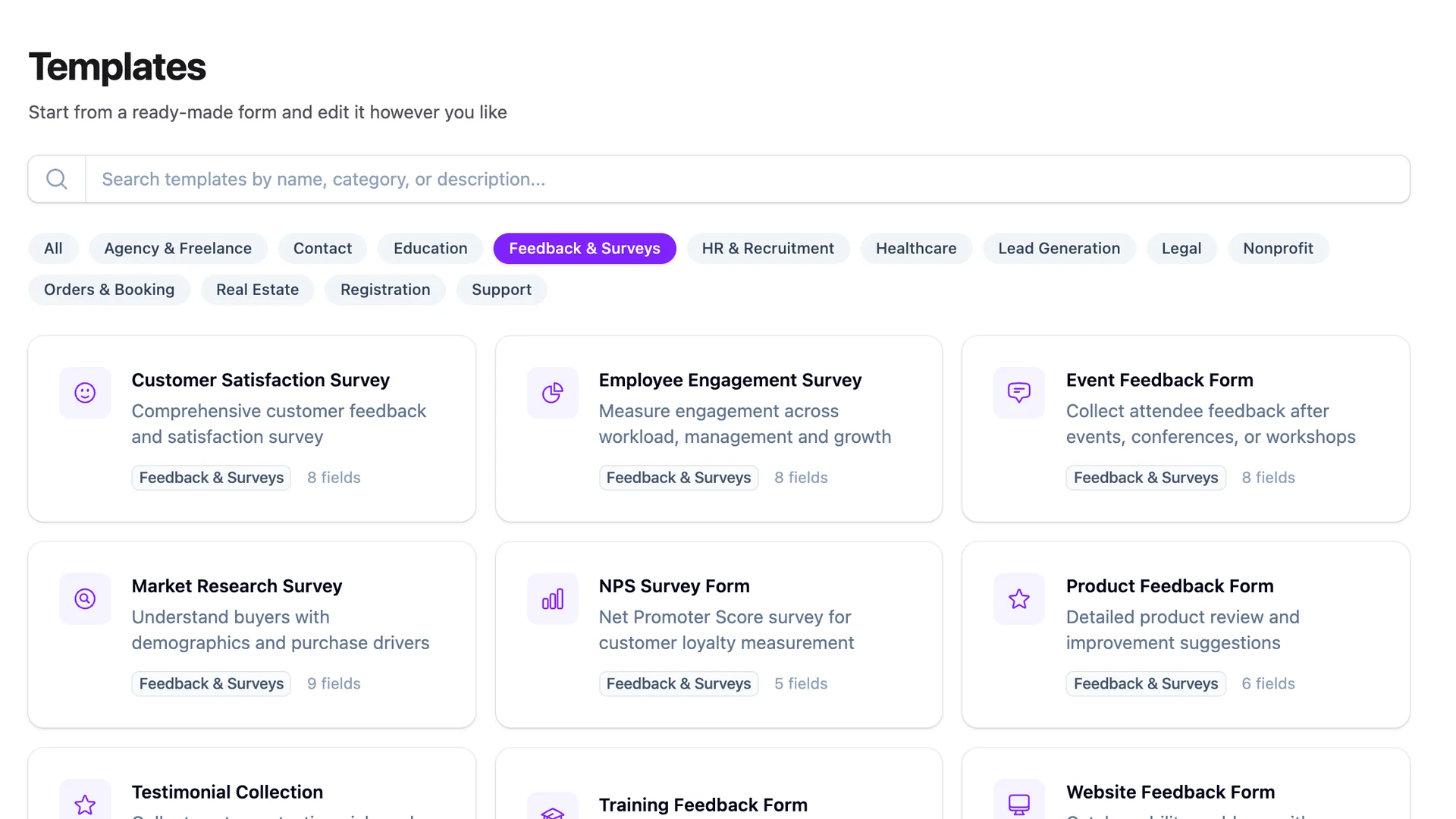
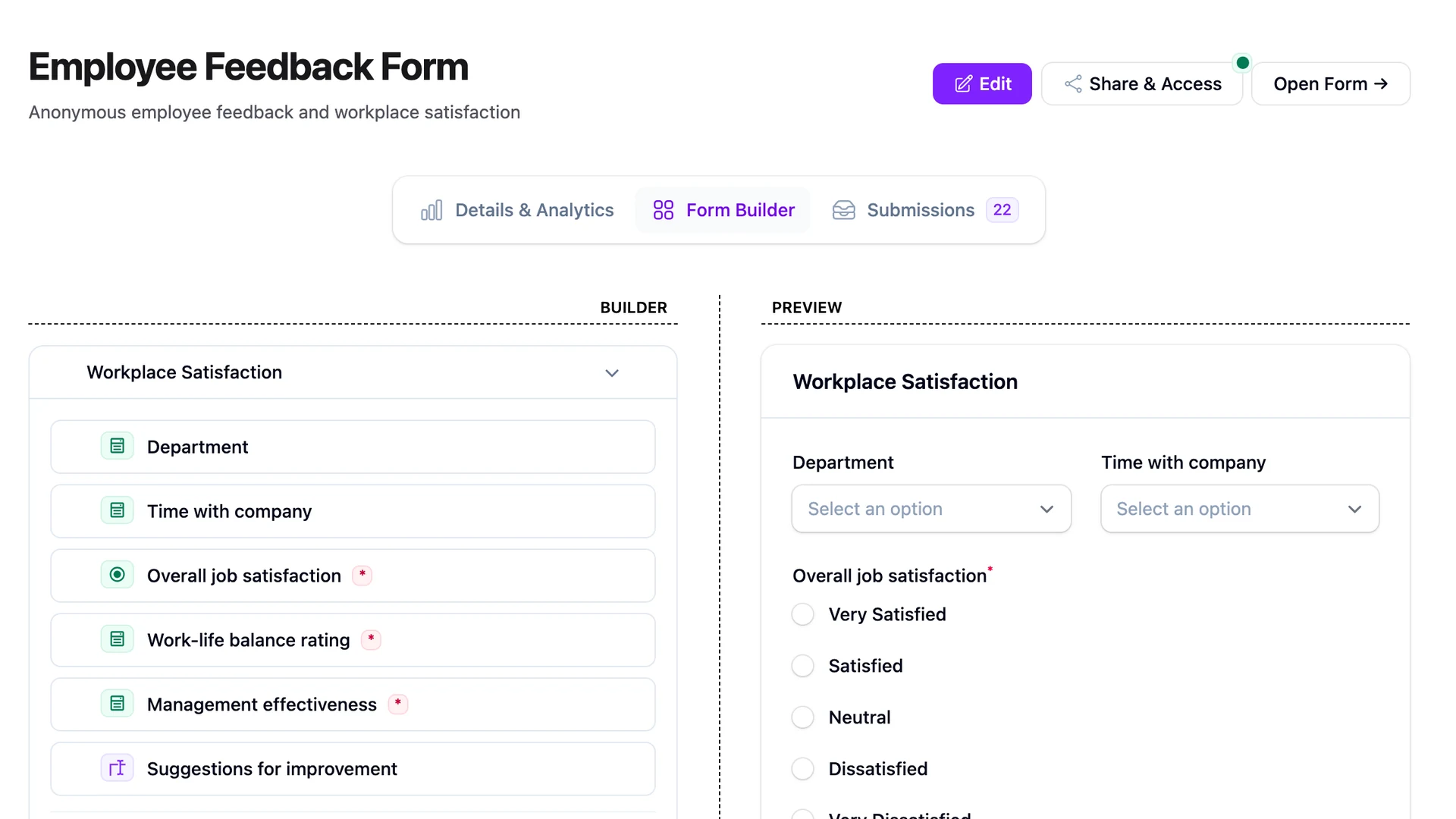
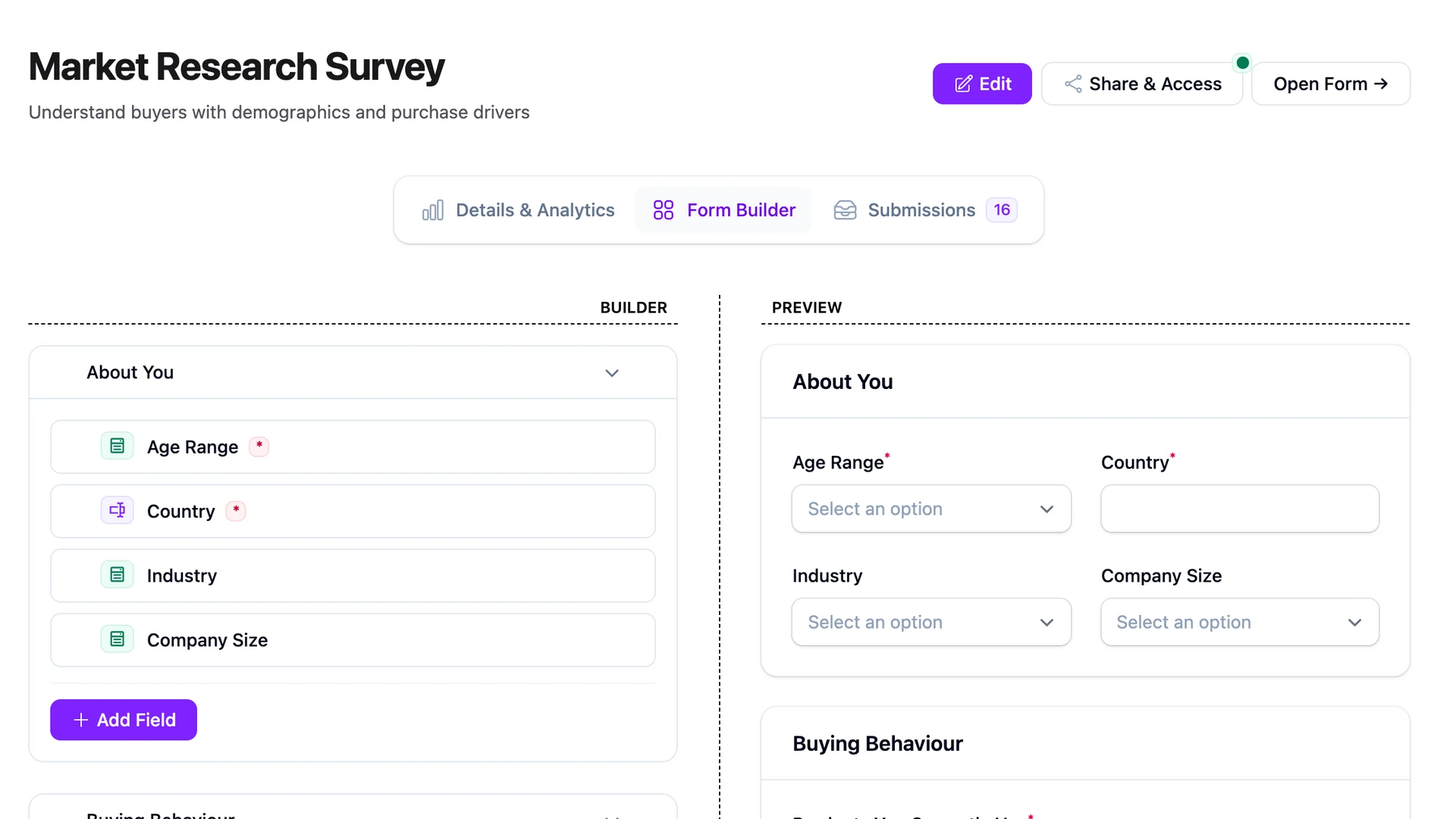
The difference from OpnForm: it's not a separate app. It's part of your app. Same database, same auth, same deployment. Compared to Lara Zeus Bolt, it's more feature-complete: visual drag-and-drop builder, 25+ field types, built-in analytics, auto-responder emails, and spam protection.
Full disclosure: this is our product, so I'm biased. But I'll lay out the comparison honestly.
Formbricks
Open-source, not Laravel-specific. It's a Next.js application you self-host. Good for surveys and feedback forms. Less relevant if you want something that integrates with your Laravel stack.
Comparison table
| Typeform | JotForm | OpnForm | Lara Zeus Bolt | FilaForms | |
|---|---|---|---|---|---|
| Cost | $25-83/mo | $34-99/mo | Free | Free | One-time license |
| Self-hosted | No | No | Yes | Yes | Yes |
| Data ownership | Theirs | Theirs | Yours | Yours | Yours |
| Laravel native | No | No | Yes (separate app) | Yes (Filament plugin) | Yes (Filament plugin) |
| Filament integration | No | No | No | Yes | Yes |
| Visual builder | Yes | Yes | Yes | Limited | Yes |
| Analytics | Yes | Yes | Basic | No | Yes |
| Field types | 20+ | 30+ | 15+ | 10+ | 25+ |
| Multi-tenancy | Via workspace | Via workspace | No | No | Yes |
| Spam protection | reCAPTCHA | reCAPTCHA, honeypot | Basic | Basic | Honeypot, CSRF, XSS |
| Response limits | Plan-based | Plan-based | Unlimited | Unlimited | Unlimited |
The response limit problem
This is the part that bothers me most about SaaS form builders.
You build a landing page. You run ads to it. The form starts getting submissions. Things are going well. Then you hit your plan's response limit and either pay more or your form stops accepting submissions.
You're being charged more because your marketing is working. That's a cost structure that punishes growth.
Self-hosted form builders don't have response limits. Your server handles whatever it can handle, which for a Laravel app processing form submissions is effectively unlimited. A $5/month VPS can handle thousands of form submissions per day without breaking a sweat.
Privacy and compliance
When a visitor submits a form on your site, they expect that data goes to you. Not to a third-party form provider in a different country.
With SaaS form builders:
- Visitor data passes through (and is stored on) the provider's servers
- You need a data processing agreement with the form provider
- The provider's privacy policy applies to your visitors' data
- If the provider has a breach, your visitors' data is exposed
- Data might be stored in a jurisdiction your visitors didn't consent to
With self-hosted:
- Data goes directly to your server
- Stored in your database, under your control
- Your privacy policy is the only one that matters
- No third-party data processor to worry about
- You choose where the server lives
This isn't theoretical. Typeform had a data breach in 2018 that exposed customer data. If you were using Typeform for client intake forms, your clients' data was in that breach, and there was nothing you could do about it.
When SaaS form builders still make sense
I'm not going to pretend self-hosting is always the answer.
If you don't have a server, don't know Laravel, and just need a quick form for your WordPress site, use Typeform or JotForm. They're good products for that use case.
If you need advanced features like payment collection, Typeform's Stripe integration is slick. Building that yourself is real work.
If you're a marketing team without developer access and you need forms up today, SaaS is the right call.
But if you're a Laravel developer who already has a server, a database, and a Filament admin panel? You're paying for infrastructure you already own.
Getting started with FilaForms
composer require filaforms/core
php artisan filaforms:install
Register in your panel, start building forms. Your data stays on your server. No response limits. No monthly fees.