FilaForms
Sending Form Submissions to Google Sheets Automatically
Sending Form Submissions to Google Sheets Automatically
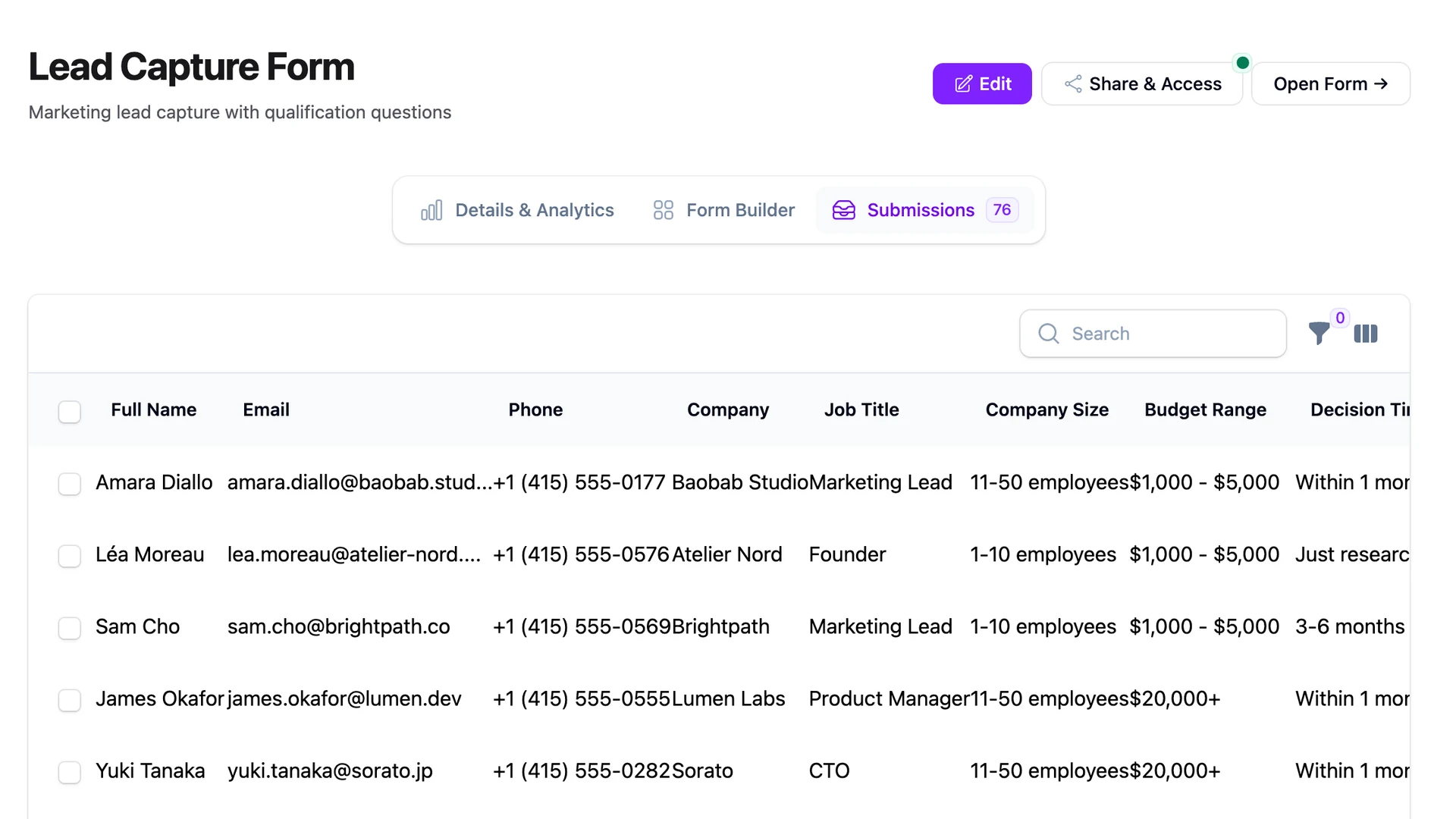
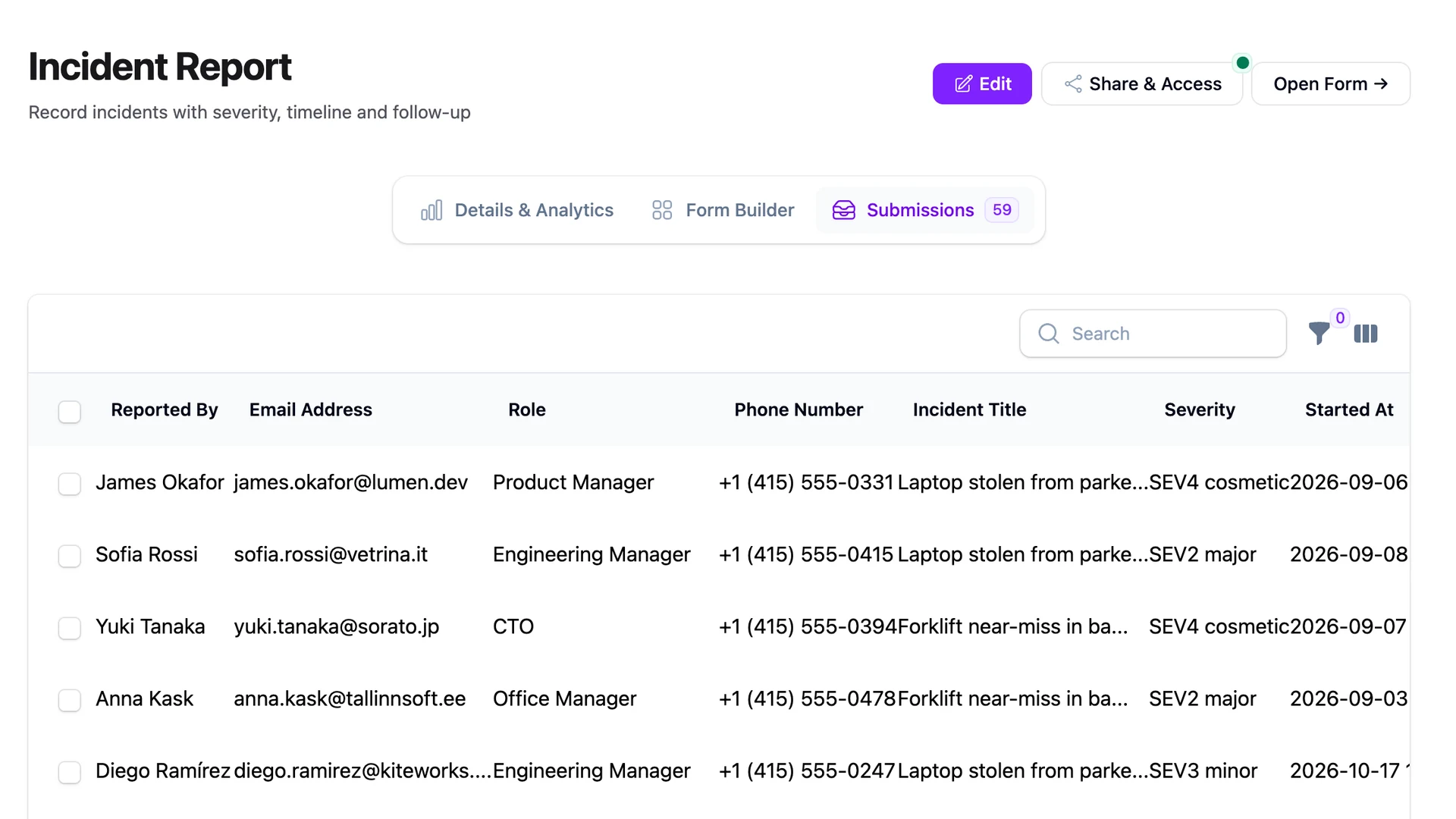
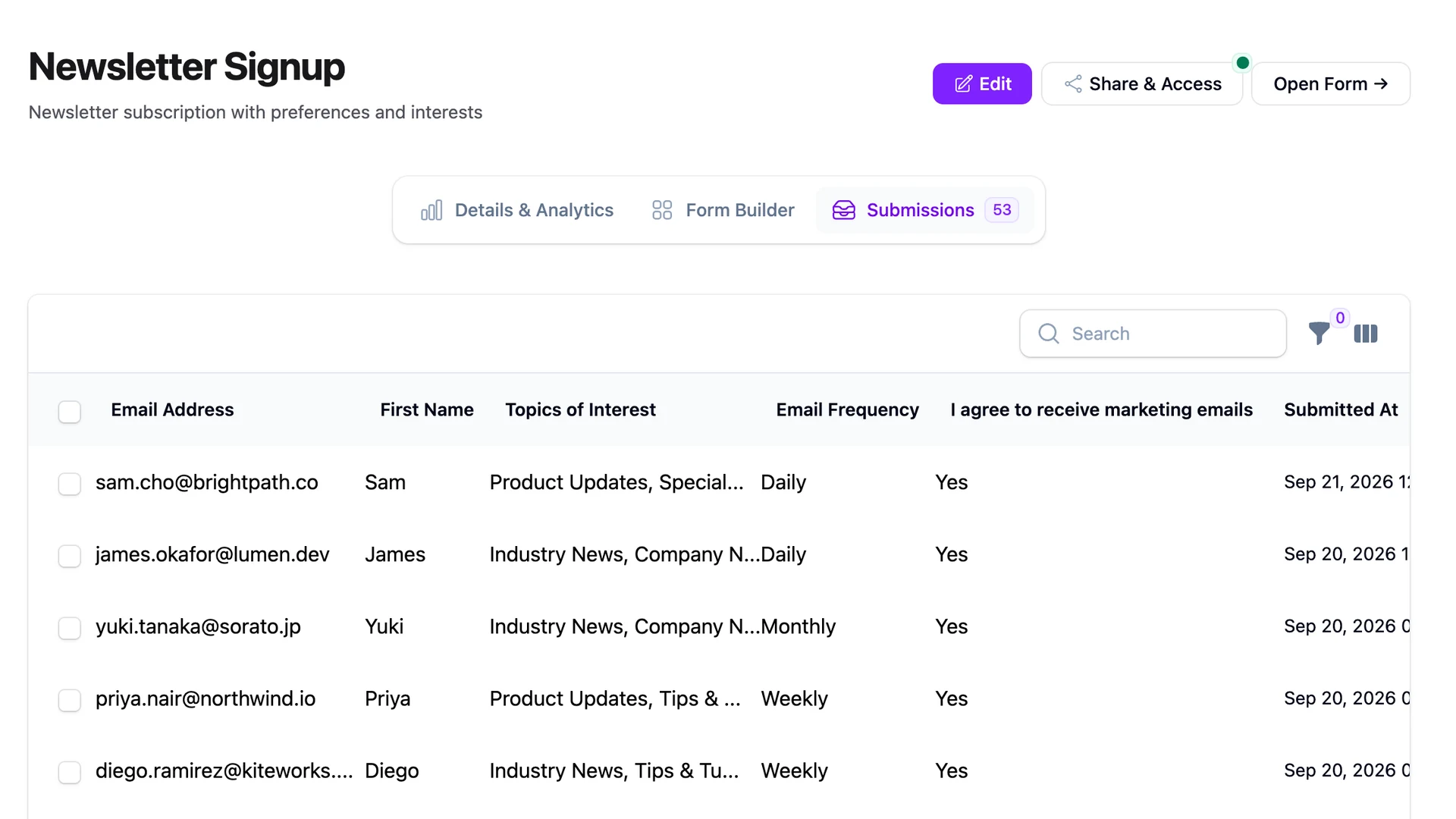
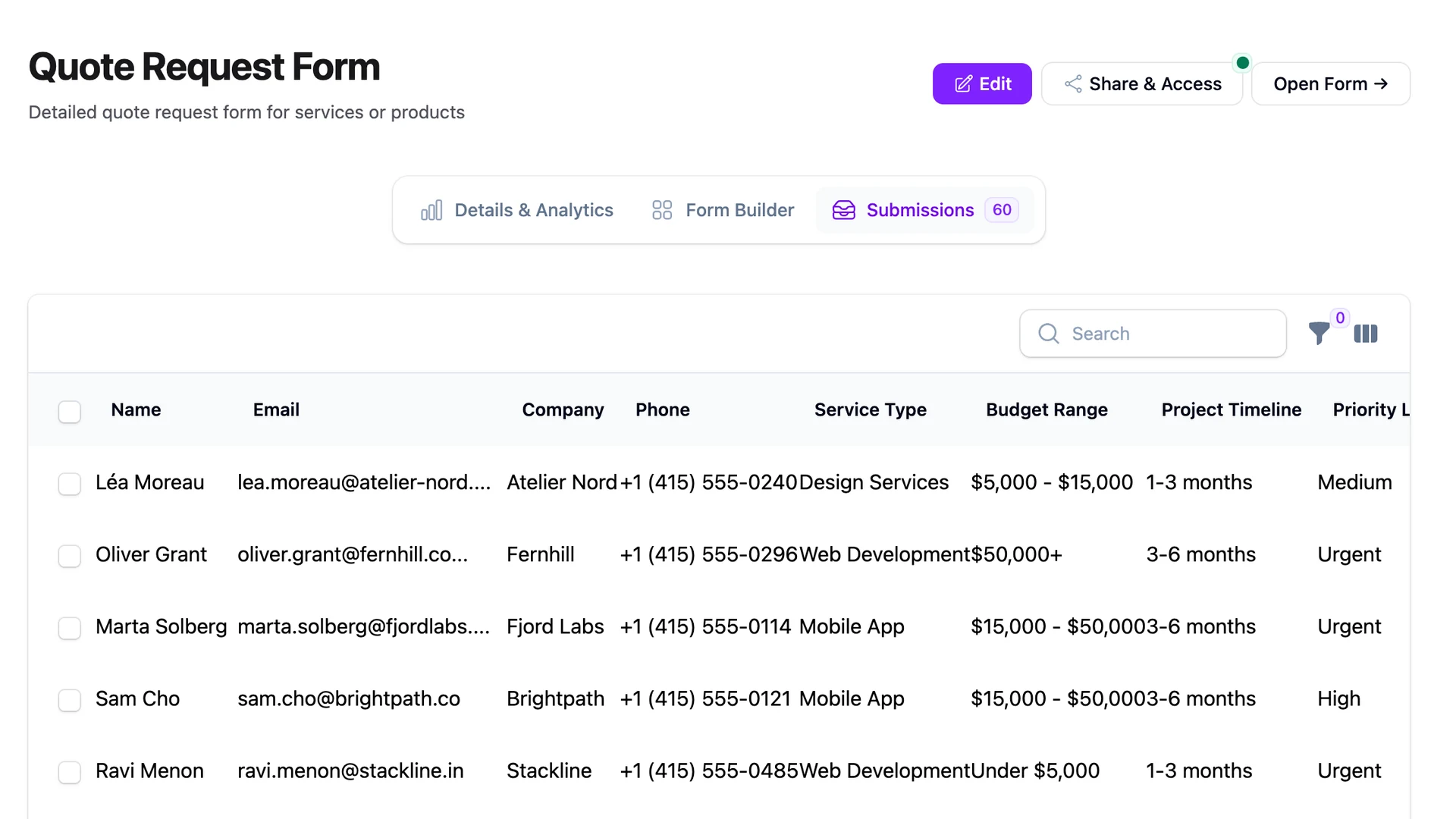
Your marketing person doesn't want to log into your admin panel. Your sales lead doesn't care about Filament. They want a spreadsheet. And honestly, that's a reasonable request.
I've been on enough projects where someone says "can you just get the form data into a Google Sheet?" that I finally built a proper integration for it. FilaForms now connects directly to Google Sheets through OAuth, and every submission appends as a new row. No Zapier. No middleware. Just your form, a spreadsheet, and a checkbox to pick which fields go where.
Here's how to set it up.
What you'll need before starting
- A working FilaForms installation (if you're starting fresh, the contact form tutorial covers setup from scratch)
- A Google account with access to Google Cloud Console
- Composer access on your server
- About 15 minutes
Install the integrations package
The Google Sheets integration lives in a separate package. Pull it in with Composer:
composer require filaforms/integrations
That's it for the code side. The rest is configuration.
Set up Google Cloud Console
This is the longest part of the process, but it's straightforward if you follow it step by step.
Create a project
Go to console.cloud.google.com and create a new project. Name it something you'll recognize later, like "FilaForms Integration" or whatever makes sense for your app.
Enable the APIs
You need three APIs enabled on this project:
- Google Sheets API (read/write spreadsheet data)
- Google Drive API (browse spreadsheets in the picker)
- Google Picker API (the popup that lets you visually select a spreadsheet)
Search for each one in the APIs & Services library and click Enable.
Create OAuth 2.0 credentials
Go to APIs & Services > Credentials and create an OAuth 2.0 Client ID. Choose "Web application" as the type.
Add your redirect URI:
https://your-domain.com/filaforms/connections/oauth/callback
If you're developing locally and using something like fwd.host to tunnel, you'll handle that differently (covered in the environment variables section below).
Save the client ID and client secret. You'll need both.
Create an API key
Still in Credentials, create an API Key. Restrict it to the Google Picker API only. This key is used client-side for the spreadsheet picker popup, so restricting it limits exposure.
Configure environment variables
Add these to your .env:
FILAFORMS_GOOGLE_SHEETS_ENABLED=true
FILAFORMS_GOOGLE_CLIENT_ID=your-id.apps.googleusercontent.com
FILAFORMS_GOOGLE_CLIENT_SECRET=your-secret
FILAFORMS_GOOGLE_API_KEY=your-api-key
If you're running locally with a tunnel service like fwd.host, add this too:
FILAFORMS_OAUTH_CALLBACK_URL=https://fwd.host/http://your-site.test/filaforms/connections/oauth/callback
On production, the callback URL is derived automatically from your app URL, so you don't need to set it explicitly.
Connect your Google account
With the environment configured, go to the Integrations page in your Filament admin panel. You'll see an option to connect a Google account.
Click it. You'll go through the standard Google OAuth flow: pick your account, grant permissions, and get redirected back. The integration requests three scopes: spreadsheet access (read/write), Drive access (read-only, just for browsing in the picker), and your email (to show which account is connected).
Once connected, you'll see your Google account listed. The token refreshes automatically, so you won't need to reconnect unless you revoke access from Google's side.
Add the integration to a form
Open any form in FilaForms and go to its integration settings. Add a Google Sheets integration.
Here's the flow:
- Select your connected Google account from the dropdown
- Click "Select a Google Spreadsheet" to open the Drive Picker popup
- Pick any spreadsheet from your Google Drive. The popup closes automatically once you select one
- Enter the sheet tab name (defaults to "Sheet1" if you leave it blank)
- Use the checkboxes to select which form fields to include
You can also include metadata fields alongside your form data: Submission ID, Date, IP Address, and User Agent. Useful if you want a complete audit trail in the spreadsheet.
Field mapping and transformations
The integration doesn't just dump raw data. It maps form fields to spreadsheet columns and lets you apply transformations to the data before it lands in the sheet.
There are 16 transformations available:
- Text formatting:
uppercase,lowercase,trim - Type conversions:
boolean,number,integer,string - Date formatting:
date_iso,date_us - Array handling:
comma_separated,first_item,last_item,count - Structured data:
json - Or just
noneto pass the value through as-is
You can also inject static values into specific columns, which is useful if you're sending data from multiple forms into the same spreadsheet and want a column that identifies the source form.
If you've already set up submission tracking in FilaForms, this pairs well with it. The tracking gives you analytics inside your app, and the Sheets integration gives your team a live data feed they can filter, sort, and chart without touching your codebase.
Test it
Submit your form. Check the spreadsheet. You should see a new row with the fields you selected, formatted according to whatever transformations you picked.
If the row doesn't appear, the issue is almost always one of the problems below.
Troubleshooting
Picker popup doesn't open. Make sure you've selected a connected Google account from the dropdown first. The picker needs an active connection to authenticate against.
"Invalid API key" error in the picker. You probably haven't restricted your API key to the Google Picker API, or the Picker API isn't enabled on your Google Cloud project. Go back to the Cloud Console, check both.
404 on the OAuth redirect. The redirect URI in your Google Cloud Console doesn't match the one your app is generating. Double-check that you've added exactly https://your-domain.com/filaforms/connections/oauth/callback in your OAuth client settings.
Redirect URI mismatch error. Same root cause as above but Google catches it before the redirect happens. Copy the exact URI from the error message and add it to your OAuth client's authorized redirect URIs.
Missing scopes or permission errors. Disconnect your Google account from the Integrations page and reconnect. This forces a fresh OAuth flow that requests all the required scopes.
Data not appearing in the sheet. Check that you've entered the correct sheet tab name. If your spreadsheet's first tab isn't called "Sheet1" (maybe you renamed it), the integration won't find it silently.
Why not Zapier?
You could use Zapier or Make for this. But then you're adding a third-party service, a monthly bill, and a failure point you can't debug from your own server. The FilaForms integration runs inside your app. If something breaks, you can see what happened in your logs.
For teams that already live in Google Sheets for reporting, this removes the gap between "form submitted" and "data available." No webhook relay, no extra service to keep an eye on.
If you haven't set up FilaForms yet, the quickstart guide walks you through installation in a few minutes.