FilaForms
Sending Form Submissions to Slack with FilaForms
Sending Form Submissions to Slack with FilaForms
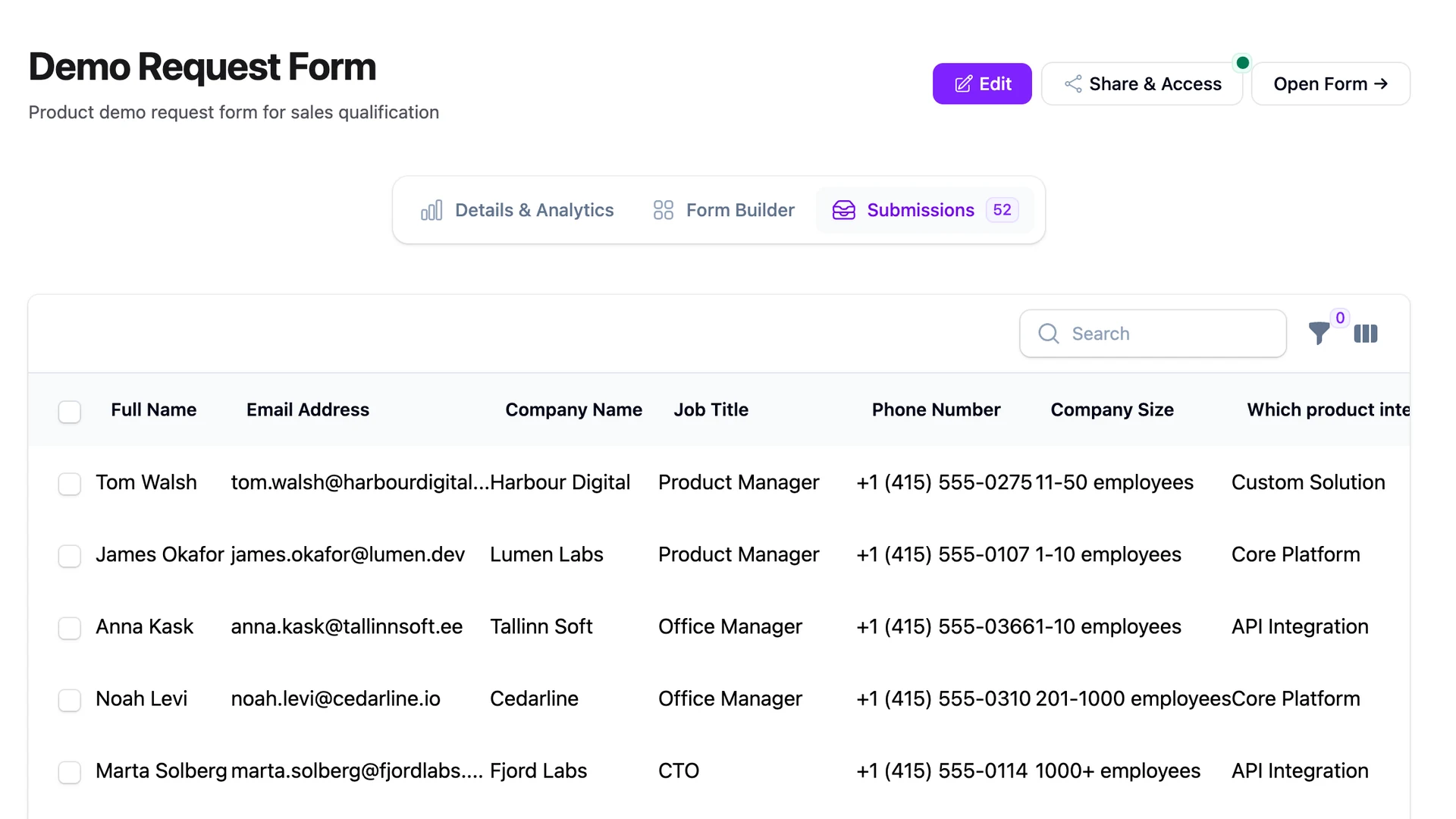
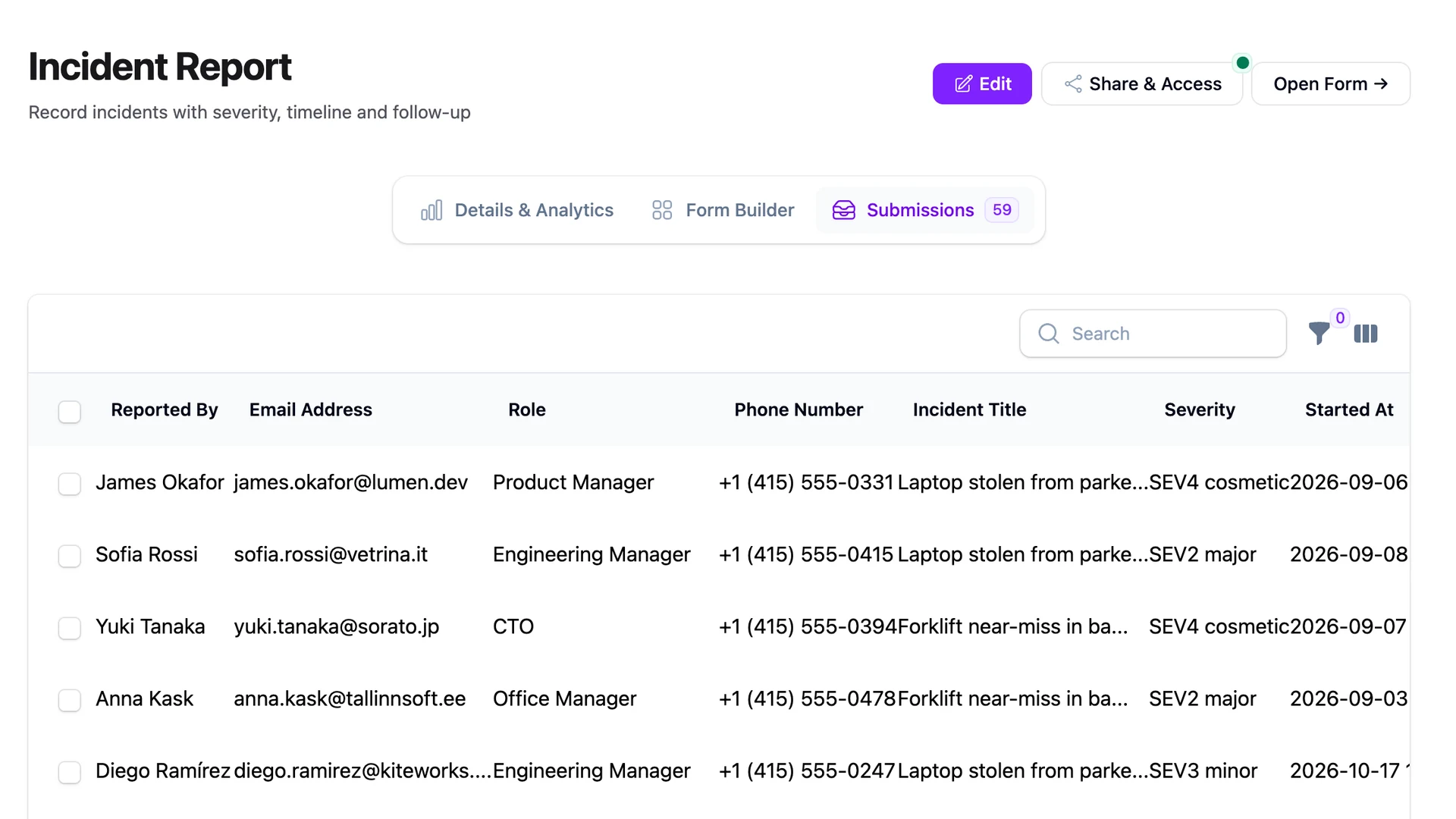
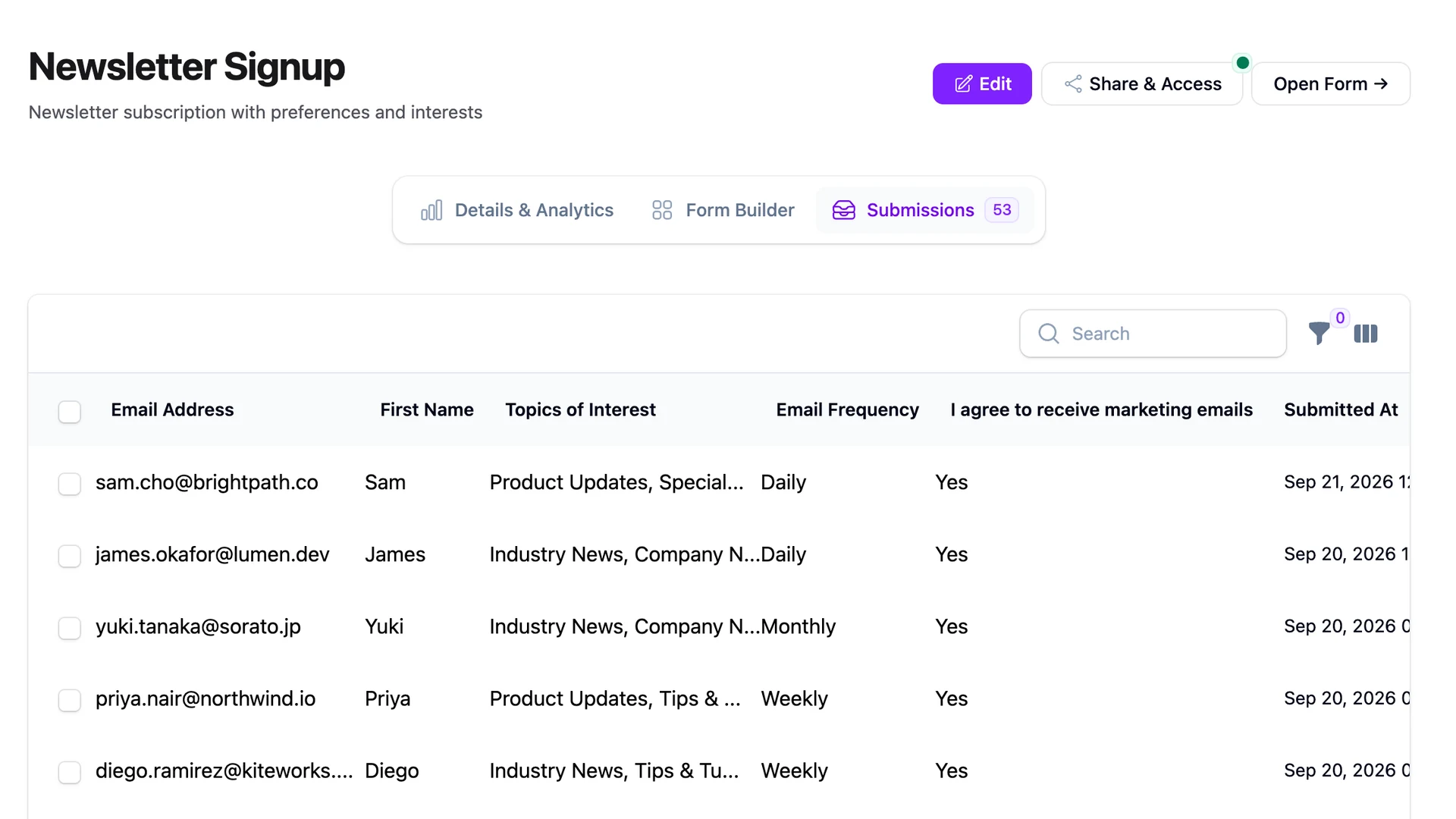
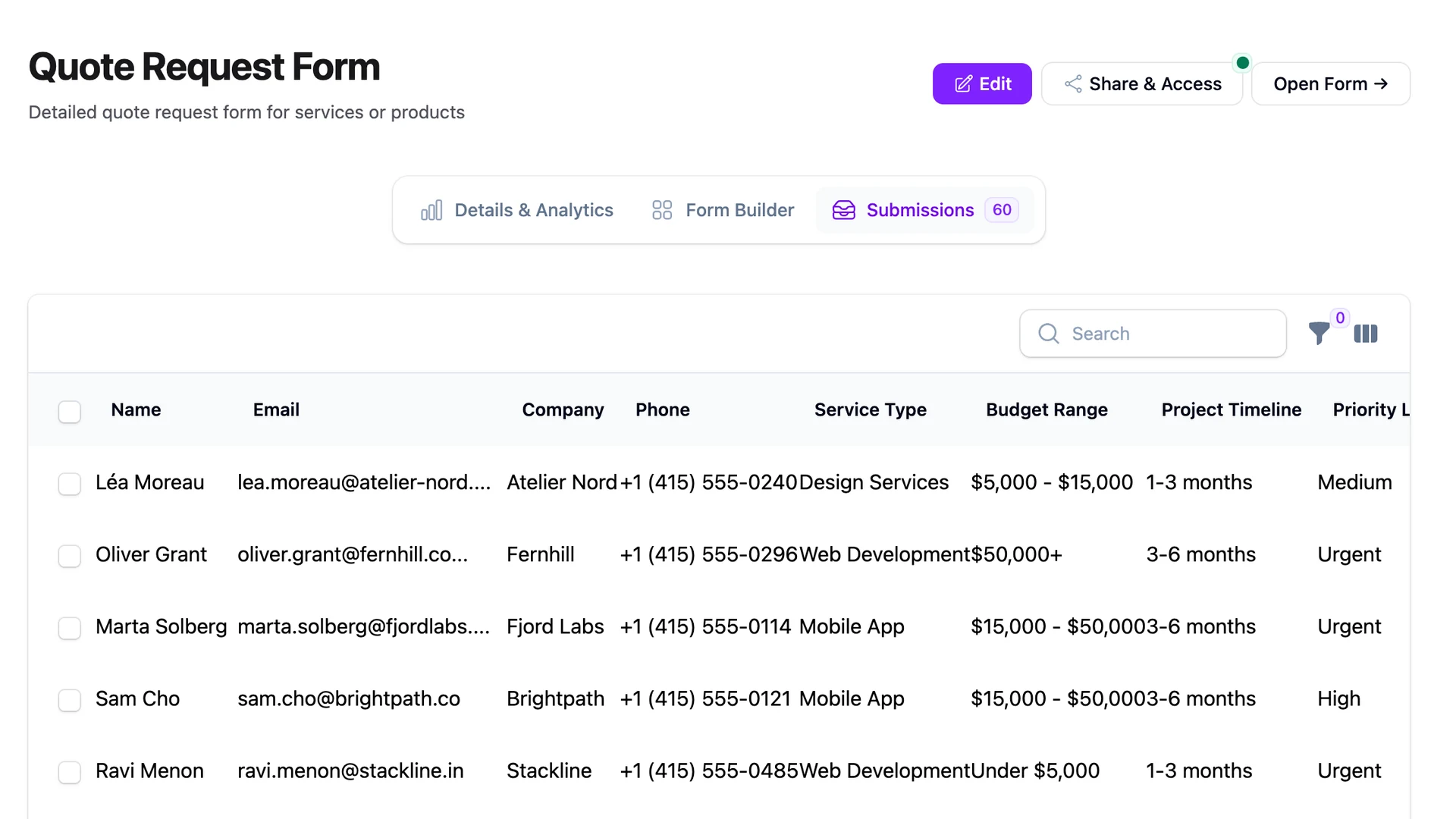
The Slack ping always comes at the worst time. A sales rep messages the channel: "Hey, did anyone fill out the demo form today?" Now somebody has to stop what they're doing, open the admin, filter by date, scan a list, and report back. By the time the answer lands, the rep has lost momentum.
I've watched this happen on three different teams. The form is working. Submissions are saving. The dashboard is fine. But the team that needs the answer doesn't live in the dashboard — they live in Slack. Wiring up a Laravel form to Slack is one of those small moves that quietly fixes a daily friction nobody had budgeted to fix.
The good news: it takes about five minutes if you're willing to settle for an ugly message, and about twenty if you want something the team won't groan at. Most of the work is on the Slack side, not the FilaForms side.
Two ways to send Laravel form submissions to Slack
You have two paths and they're not interchangeable. One is a webhook URL. The other is a full Slack app.
Slack incoming webhooks are URL endpoints Slack gives you that post messages to a single, pre-chosen channel. No OAuth, no token management, no app review. Copy the URL, POST JSON to it, you get a message. The full Slack app route gives you OAuth, dynamic channel selection, threading APIs, and the ability to receive events back from Slack — at the cost of a real app build and review process.
| Incoming webhook | Full Slack app | |
|---|---|---|
| Setup time | ~5 minutes | A day or more |
| OAuth required | No | Yes |
| Channel selection | Fixed at setup | Dynamic |
| Best for | One team, one channel | SaaS sold to other teams |
For roughly nine out of ten internal use cases — a sales channel, a support channel, an ops channel — the incoming webhook is the right answer. The rest of this post covers that path.
Setting up the Slack incoming webhook
Slack hides incoming webhooks behind their Apps directory now. Go to api.slack.com/apps, create a new app from scratch, name it something your team will recognize ("FilaForms" works), and pick the workspace it'll live in.
Once the app exists, find the Incoming Webhooks section in the sidebar and toggle it on. Then click "Add New Webhook to Workspace" at the bottom, pick the channel you want submissions posted to, and authorize. Slack hands you back a URL that looks like https://hooks.slack.com/services/T.../B.../.... That's the endpoint.
Treat this URL like a password. Anyone who has it can post messages into your channel as your app. Don't commit it to the repo. Put it in your .env:
SLACK_FORM_WEBHOOK_URL=https://hooks.slack.com/services/T.../B.../...
And add a config entry in config/services.php so the URL is read from config, not from env() calls scattered through your code:
'slack' => [
    'form_webhook_url' => env('SLACK_FORM_WEBHOOK_URL'),
],
That's the Slack side done. The URL is now the thing every form submission needs to reach.
Wiring it to FilaForms
There are two ways to make a submission reach that URL. Pick the one that matches how much polish you want.
The first path is what FilaForms actually ships out of the box. Configure FilaForms' outgoing webhooks to POST to your Slack URL directly. No code required. It works in the sense that Slack will receive an HTTP POST with a JSON body and turn it into a message. It also looks like the inside of a debugger. Slack expects a specific message shape, and raw form payloads aren't it.
The second path is a small listener. FilaForms fires a FormSubmitted event on every submission, and you can hook into that event to build a properly formatted message before POSTing it to Slack. Around twelve lines, no new packages:
namespace App\Listeners;

use FilaForms\Core\Events\FormSubmitted;
use Illuminate\Support\Facades\Http;

class PostSubmissionToSlack
{
    public function handle(FormSubmitted $event): void
    {
        Http::post(config('services.slack.form_webhook_url'), [
            'text' => "New {$event->form->name} submission",
            'blocks' => SlackSubmissionMessage::build($event->submission),
        ]);
    }
}
Register the listener against FormSubmitted in your EventServiceProvider (or use the auto-discovery convention if your app is on it), and every submission triggers a Slack post. The SlackSubmissionMessage class is where Block Kit lives — that's the next section.
Block Kit basics
Block Kit is Slack's layout system for messages. Instead of a single text blob, you send an ordered array of blocks — headers, sections, dividers, context — and Slack renders them as a structured card. The blocks you need for a form submission are three: a header, a section with fields, and a context block at the bottom with a link back to the admin.
class SlackSubmissionMessage
{
    public static function build(FormSubmission $submission): array
    {
        return [
            ['type' => 'header', 'text' => [
                'type' => 'plain_text',
                'text' => "New {$submission->form->name} submission",
            ]],
            ['type' => 'section', 'fields' => collect($submission->data)
                ->take(4)
                ->map(fn ($value, $key) => [
                    'type' => 'mrkdwn',
                    'text' => "*{$key}*\n{$value}",
                ])
                ->values()
                ->all(),
            ],
            ['type' => 'context', 'elements' => [[
                'type' => 'mrkdwn',
                'text' => "<".url("/admin/submissions/{$submission->id}")."|View in admin>",
            ]]],
        ];
    }
}
A few notes. Slack's fields array caps at ten and gets cramped past four — that's the take(4) call. The mrkdwn type accepts Slack's flavor of Markdown for bold, links, and inline code. The context block at the bottom is small grey text and the perfect place to hide a "View in admin" link the team can click when they want the full submission.
Threading vs flat
By default, every submission is its own top-level message. That's the right default for almost every team. The channel reads like a feed, the most recent submission is the newest message, and nothing is hidden under a thread expand-arrow.
Flat breaks down at volume. Once you cross thirty submissions a day, the channel becomes noise and the team mutes it. The fix at that point isn't more notifications — it's fewer. Post one summary message per day ("12 demo requests today") and thread the individual submissions under it. The team sees one number in the channel, expands the thread when they want the detail, and the signal-to-noise ratio holds.
A related variant is the daily NPS digest pattern, where individual survey responses are noise but the morning roll-up is the only thing the team reads. Same architecture, different content. Pick threading when the per-submission signal isn't worth a top-level ping; pick flat when it is.
What we got wrong
The first version of our Slack integration POSTed the raw form payload to the webhook URL. It worked. It also looked terrible.
Slack rendered it as a single block of unformatted JSON — curly braces, quoted keys, escape characters and all. Our own internal channel got a message every time someone submitted a demo request, and within a week the team had muted it. The signal was there. It was just buried in dev output that nobody wanted to parse before their first coffee.
We rebuilt it with Block Kit. Header, fields, link back. The exact same data, dressed for humans. The team unmuted the channel and started responding. The lesson, which is the same lesson as every UI lesson: data is not communication. The reason your team isn't reading your notifications is sometimes that you're posting JSON when you should be posting a sentence.
Try it
Slack delivery is one spoke off the webhooks delivery layer. Configure the URL, write the listener, drop in the Block Kit shim, and every form submission lands in the channel that needs it. No more "did anyone fill out the form today" pings.
If you haven't set up FilaForms yet, you can grab FilaForms here. More integrations are coming in the Connect series — Notion as a CRM, Discord for smaller teams, and the no-code bridges — and they all sit on the same webhook foundation.